
One of 85+ Extension
Divi Fluent Forms Styler Module
Divi Fluent Forms Styler Module shows any Fluent Forms form on a Divi 5 page and lets you style every label, field, button, and message in the Visual Builder. With 150 settings across 31 design groups, your forms match the rest of your site while Fluent Forms keeps handling the logic.
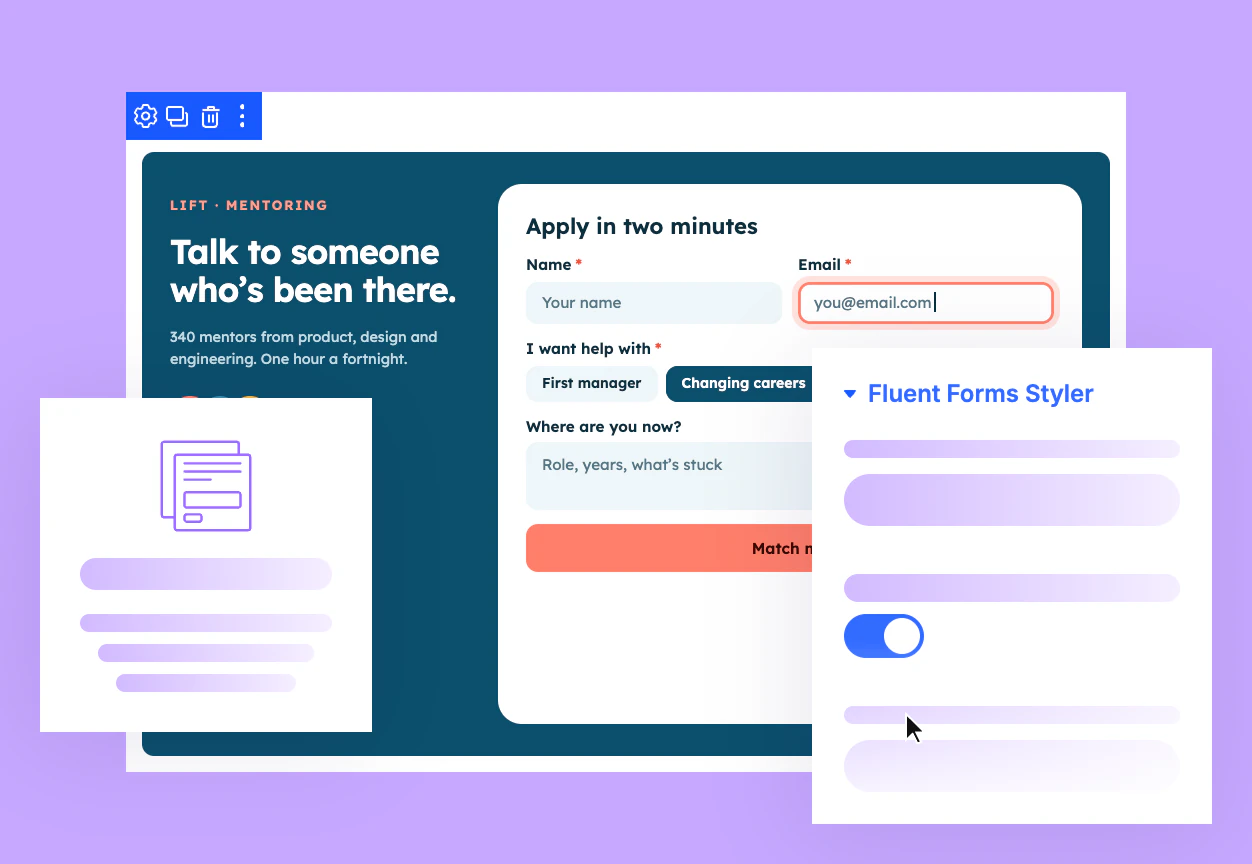
Style Every Field
Labels, inputs, dropdowns, checkboxes, ratings, file uploads, step progress, buttons, and messages, so every part of the form matches your Divi design.
Relevant Settings Only
The Design tab shows only the groups your selected form uses, so a simple contact form skips Rating and Step Progress settings entirely.
Preview Every State
Preview error messages, the success message, conditional fields, and every step of a multi-step form inside the builder before visitors see them.
Build Divi Forms That Match Your Brand and Still Run on Fluent Forms
Start From the Look You Want
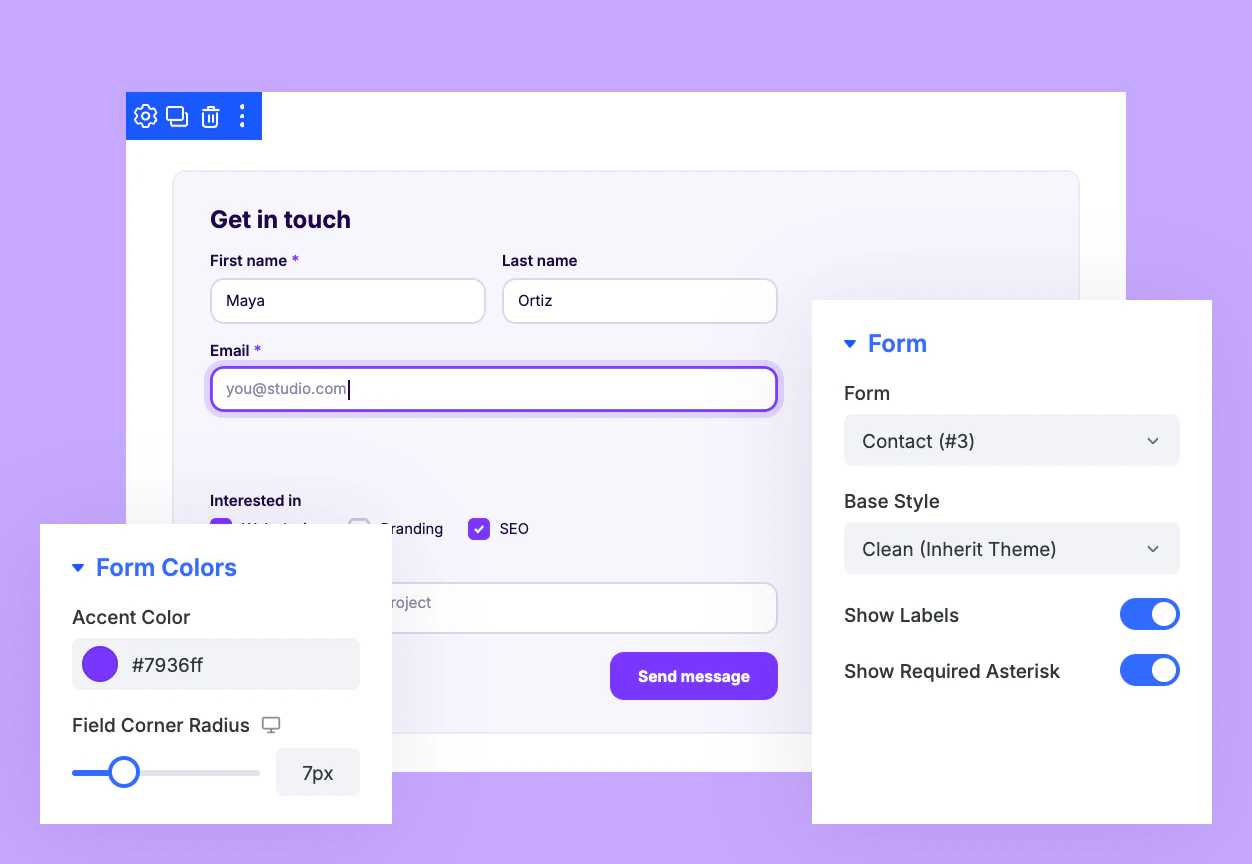
Start from Fluent's default look, a clean theme-matching base, or the form's saved style.
Set one accent color, and every focus border, ticked box, and progress bar follows.
Hide field labels for a minimal look while screen readers still announce every one.
Fine-Tune Fields, Focus States, and Buttons
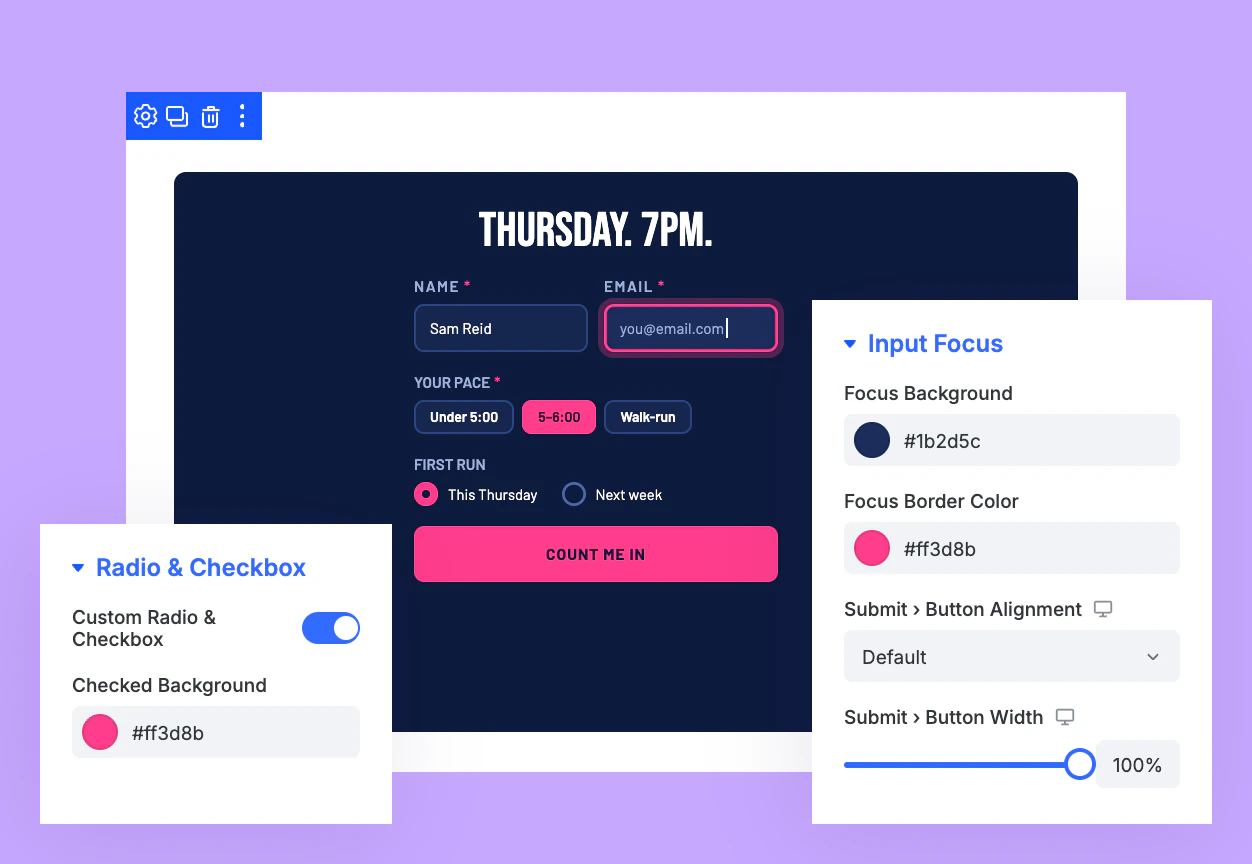
Size and align the submit button so the call to action stands out on every form.
Give the active field its own look while visitors type, so their place stays clear.
Swap browser radio buttons and checkboxes for custom controls in your brand colors.
Match Ratings, Sliders, Uploads, and More
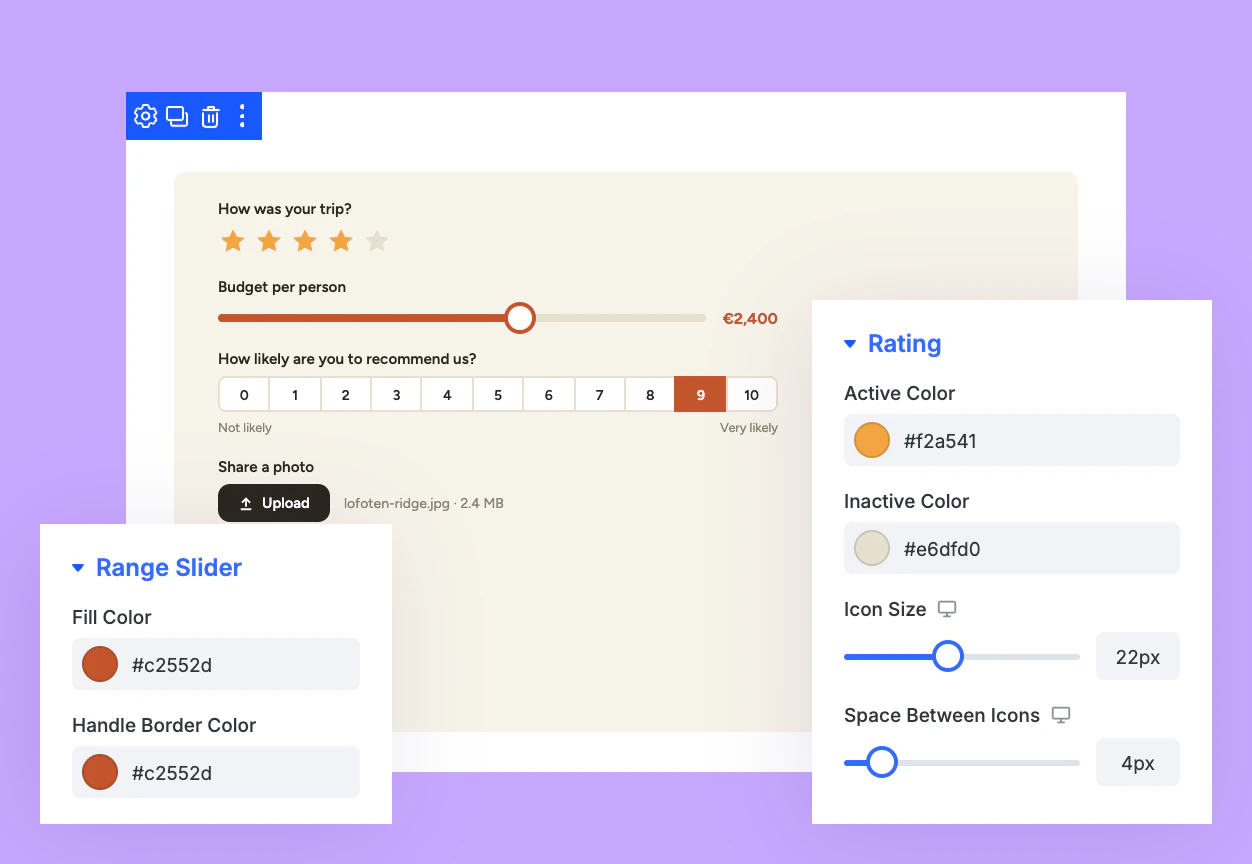
Color star ratings, range sliders, and NPS scales to match the rest of your page.
Brand searchable dropdowns, image choices, and button-style options with the same Divi controls.
Style file upload buttons, payment summaries, and accordion sections from one Design tab.
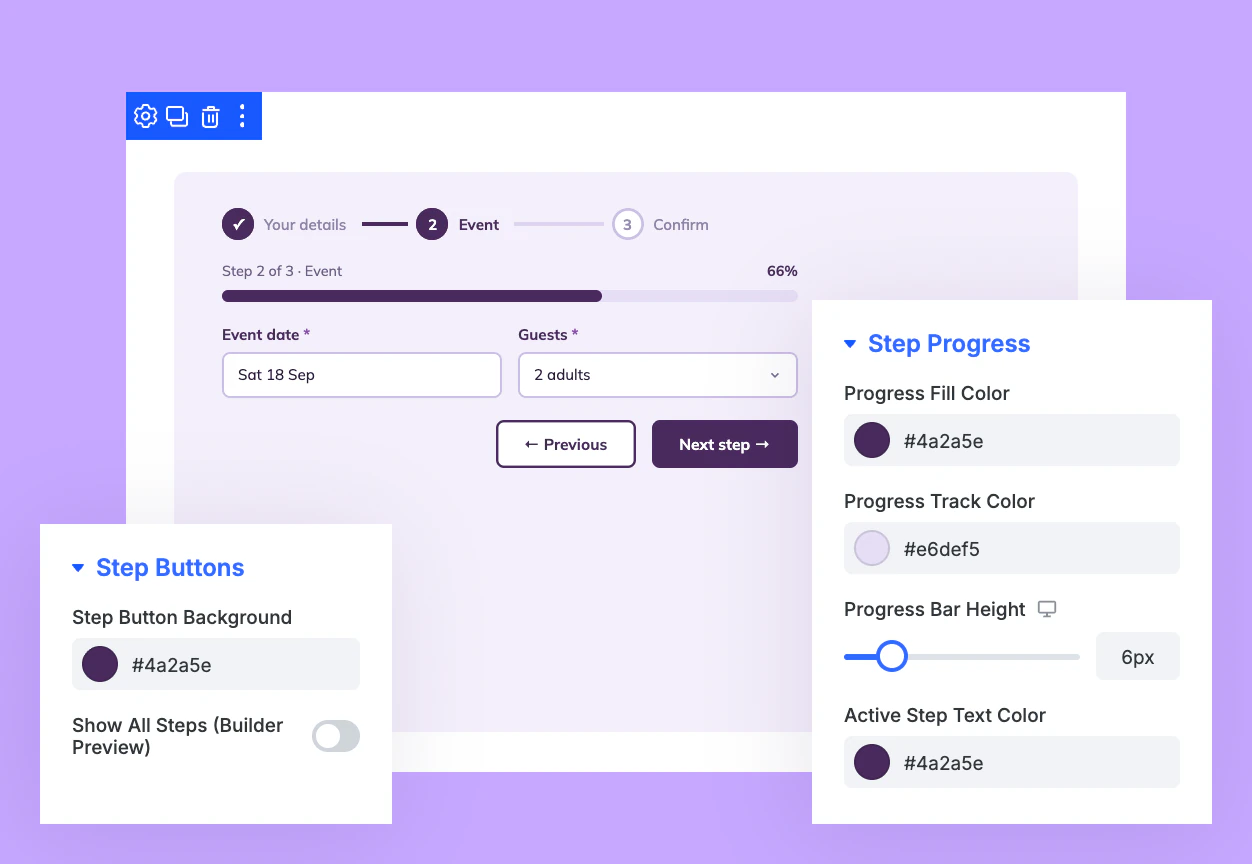
Style Multi-Step Forms From Progress to Buttons
Color the progress bar and step counter so visitors see how much is left.
Highlight the active step name and marker so visitors always know where they stand.
Style Fluent's Next and Previous buttons, which look plain until you design them.
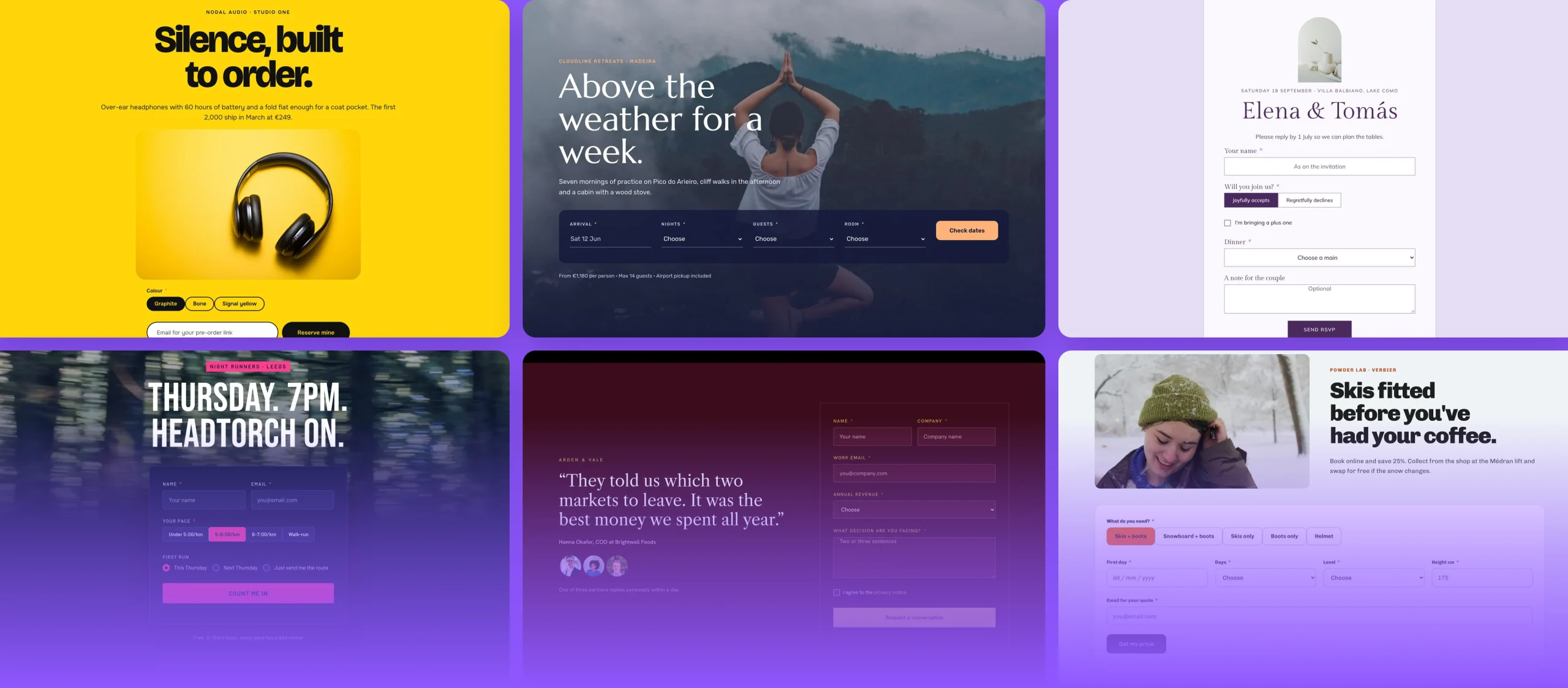
Free Ready-to-Use Fluent Forms Styler Layouts to Get Started
Skip building from scratch. Our pre-made Fluent Forms Styler layouts are fully customizable, responsive on every device, and ready to drop into any Divi 5 page. Pick a layout, choose your form, and your styled form is live in minutes, saving time from the first click.
Ready to Make Fluent Forms Match the Rest of Your Divi Site?
Helpful Resources

DOCUMENTATION
Fluent Forms Styler Module Overview.

VIDEO
How to use Fluent Forms Styler Module? (Coming Soon)
Trusted by Over 100,000 Users Worldwide
Join them and build with confidence.
DiviFlash plugins are a default install for all my Divi websites.
DiviFlash plugins are a default install for all my Divi websites. The plugins are well coded, constantly added with new functionality, and the support is responsive and helpful. Very pleased with my purchase.

A powerful tool AND a responsive support team
Divi Flash is not only a powerful tool for to easily level up any Divi website, but it's also backed by an extremely responsive team. Any time I've reached out to them with questions or potential bugs they've been VERY prompt to respond and get it sorted. Not all plugin developers are this dedicated to their users. Divi Flash is an easy 5 star recommendation!

The plugin saves time and works perfectly.
We are a Divi agency and like to use the DiviFlash plugin to extend the functionality of the Divi modules. The plugin saves time and works perfectly.
The price is absolutely fair. Thanks to the DiviFlash team for this great plugin!

A Swift Resolution with Competent Support
We bought the plugin and immediately started to beautify our website with the modules. Unfortunately, after a short time there was a problem and we had a white screen of death. We then contacted Diviflash support and they were able to help us competently. In this case, it was due to insufficient memory for the website. Once we had increased this, everything worked perfectly again. Many thanks again for the quick and competent help.

They respond in a short time and…
They respond in a short time and provide all kinds of support to solve the problem. I have had 2 problems so far and they solved them both in a short time

It is a very useful and well made product
We purchased the Divi Flash membership about a month ago and it has quickly become our go to plugin for Divi. We have used quite a few of their modules on various client builds and have not been disappointed.
We have not had any reason to contact support but from what I see from other user's comments, we wont be disappointed with that either.
It is a very useful and well made product and we're happy to recommend it to others wishing to extend Divi's capabilities in a short space of time.
DiviFlash is a must if you use Divi
DiviFlash is a must if you use Divi on any of your WordPress sites. This plugin adds a ton of functionality to Divi without requiring multiple plugin add ons or separate plugins. I bought this plugin in 2021, and I can't imagine using Divi without it at this point.
I rarely have issues with bugs or conflicts. DiviFlash provides around 50 additional modules, and they're constantly adding more. My favorites to use include the advanced tab and hover box modules, but I'm looking forward to some things that are releasing soon.
Customer service is always responsive and helpful any time that I have had to contact them, which has maybe been 3 times since I bought this. Definitely buy the plugin!

A Thankful Perspective on DiviFlash Modules
DiviFlash modules add to my arsenal exactly that functions that I need for my sites. Settings are straightforward and let me tune all aspects of my design. Thank you, guys! You have some stuff to make better but I'm sure that you keep working. 🙂
Praises for Divi Flash Features and Support Team
Great features and an awesome support team!🍀🙏💚 I’m super happy with the Divi Flash, the advanced image gallery advanced was exactly what I was looking for, it saved me so much time and did the job without writing a single line of code. And for sure thank you so much for the great support team who helped me immediately to solve the issues I was having on my website, so glad I’m using your product.
Great product. Great support.
The product itself does everything that it claims to do, while being compatible with DIVI. The support team has also been very helpful to this day.
A Positive First Experience with Modules and Support
This is the first time I have purchased DIVI FLASH. The wide variety of modules is very attractive. When I started using it and was not sure how to use it, I contacted support and they responded quickly and were able to solve the problem right away. I was a little worried because it was my first time using the plug-ins, but the generous support made me feel at ease. Thank you very much.
DiviFlash is a feature rich all-in-one website enhancement Plugin for WordPress Sites
The product is feature rich, the team behind Divi Flash is committed to product enhancements, adding new modules, fixing issues and keeping it updated. Support is great as well. Its a great investment.

Good plugins with a lot possibilities
Good plugins with a lot possibilities to personalize a website done with divi! and the new chat option to talk with the team is working fine!

The support was very good and fast
The support was very good and fast. My questions were answered kindly and my problem was resolved quickly. Thank you very much!

30-Day Money-Back Guarantee—Shop with Confidence
If DiviFlash doesn’t meet your expectations, we’ll provide a full refund—no questions asked.
Frequently Asked Questions
Everything you need to know about the Divi Fluent Forms Styler Module before you get started.
What Is Fluent Forms Styler for Divi?
Do I Need Fluent Forms Pro to Use Fluent Forms Styler?
Will Fluent Forms Styler Change How My Form Works?
Which Divi Version Does Fluent Forms Styler Support?
How Do I Turn On Fluent Forms Styler?
Which Fluent Forms Can I Style?
How Do I Keep the Style I Already Set Up in Fluent Forms?
How Do I Make the Form Match My Divi Theme?
Which Design Settings Appear for My Form?
How Do I Style a Multi-Step Fluent Form?
How Do Builder Preview Settings Affect the Live Form?
How Do Hidden Labels Work for Accessibility?
Explore Other Powerful DiviFlash Features


Start Building Your Dream Website with DiviFlash Today!