


As for 2026, you might think web design books don’t matter anymore. After all, we have YouTube tutorials, micro-courses, and endless blog posts. But here’s the truth; great web design still depends on strong fundamentals, and those fundamentals rarely change.
Books still remain the only place where experienced designers break things down systematically without any fluff, trends, or quick hacks.
And, the “Best” book for web designers also varies based on the skill and level. If you’re just starting, Don't Make Me Think is the best book to start and learn usability. For designers who want to improve visual designs, The Principles of Beautiful Web Design is a must-read. And for those ready to go deeper into systems and structure, Refactoring UI is the best practical guide for modern interface design.
In this guide, we’ll review the top 13 web design books for different design levels and skill sets. These picks are based on popularity, teaching value, and how relevant they are to today’s design landscape.
So, let’s dive in.
A Quick Overview of Top 13 Web Design Books
Before diving into the full reviews, here’s a quick look at the 13 books that consistently stand out for web designers at every level. Skim through the list and especially the “best for” section to quickly spot which book matches your current needs.
Once you find the one that aligns with your skill level or learning goal, you can jump straight into the detailed breakdown below.
| Book Title | Author(s) | Best for |
| Don’t Make Me Think | Steve Krug | Beginners needing usability without heavy theory with real user behavior |
| The Principles of Beautiful Web Design | Jason Beaird & James George | Non-designers (developers, beginners) who want to design beautiful websites without formal training. |
| Design Systems | Alla Kholmatova | Product teams, design leads, and developers dealing with growing products and scaling. |
| HTML and CSS: Design and Build Websites | Jon Duckett | Beginner coders learning HTML/CSS who want websites to look good right away. |
| The Design of Everyday Things | Don Norman | UX fundamentals, product design, and understanding why products should make sense instantly. |
| Learning Web Design | Jennifer Robbins | A comprehensive beginner-to-intermediate guide for newcomers wanting a classroom-style introduction. |
| Refactoring UI | Adam Wathan & Steve Schoger | Developers and intermediate designers wanting to improve visual design skills quickly with practical examples. |
| Fundamentals of Creating a Great UI/UX | Creative Tim | Building UI/UX from components to full pages with practical fundamentals for immediate application. |
| Responsive Web Design | Ethan Marcotte | Mastering practical, real-world responsive design that works across every device. |
| Thinking with Type | Ellen Lupton | Typography specifically for digital design; gaining full control of how content looks and reads. |
| The Win Without Pitching Manifesto | Blair Enns | Freelance web designers, agency owners, and consultants who want to sell services and stop free work. |
| Microinteractions: Designing with Details | Dan Saffer | Learn UI animations and the tiny details that make a product feel alive. |
| A Web for Everyone | Sarah Horton & Whitney Quesenbery | Accessibility and inclusive design and the human impact of design choices. |
Now, let’s break down each book.
Don’t Make Me Think by Steve Krug (Best book to connect web design decisions with real user behavior)
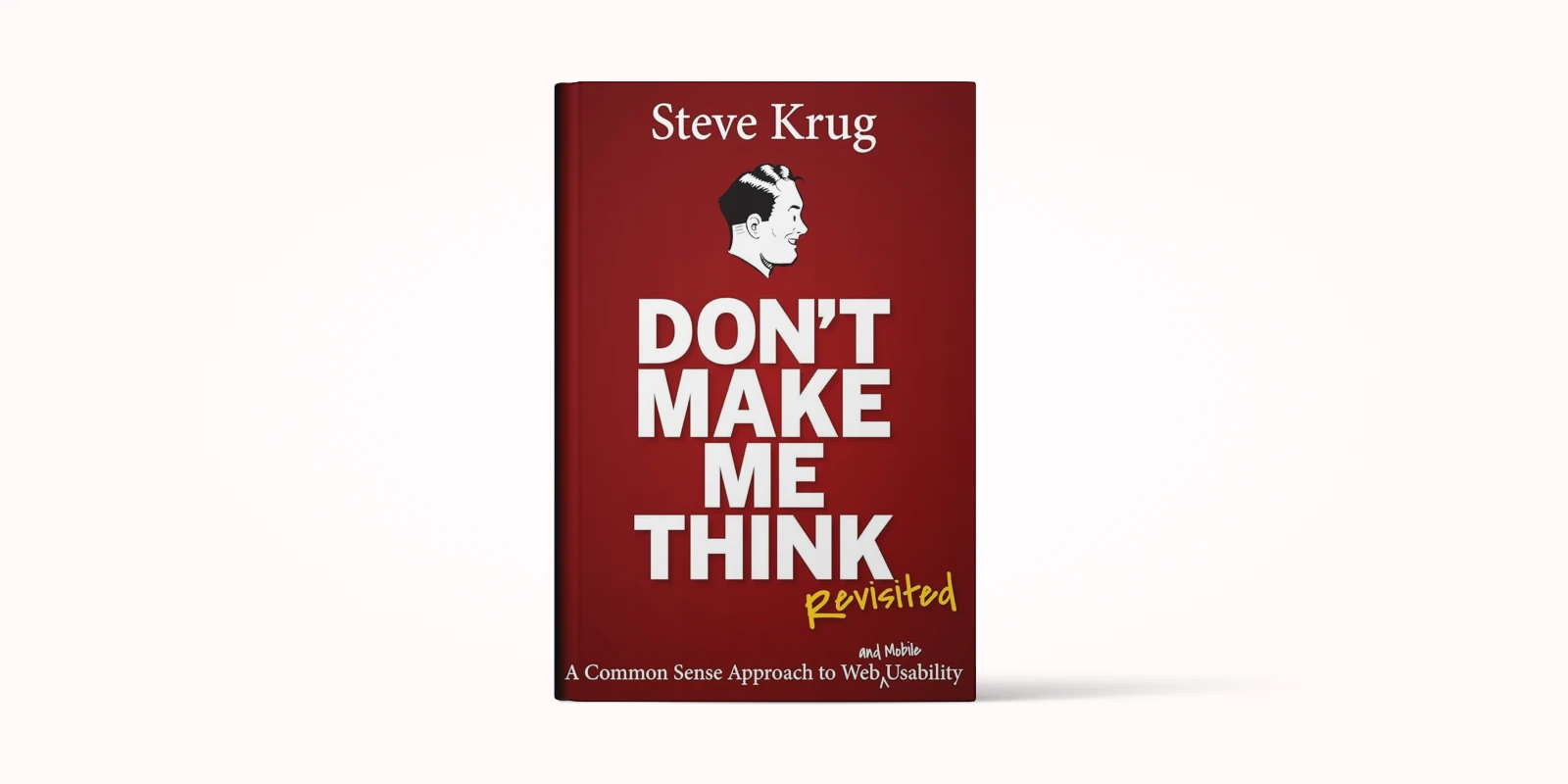
If you’re in web design, even at the entry level, you might have heard about this book. Don’t Make Me Think is actually named in the perspective of the audience coming to your site and they say it like keep it simple, don’t make me think more to understand what you actually want to say.
The author-Krug explains this usability in a very simple way without heavy theory. It shows how a real customer sees your design, not the way a designer hopes they will.
The whole idea behind the book is simple: a user should never have to think too hard when using a website. And, Krug breaks that big rule down into small, easy, almost funny explanations.
He shows how users actually behave online (like they don’t read, they scan), why design clarity always beats creativity than complex, “cool-looking” layouts. And, he breaks the myth about all the design mistakes we think look great that actually confuse visitors.
The book is full of little quotes, quick thoughts, and real-life examples that make the heavy topic of usability feel incredibly light.
Again for eCommerce projects, this book is especially valuable. It actually proves how small issues like a confusing button, a poorly labeled menu, and an overwhelming page can directly affect conversions.
It has 12 chapters, but none of them follow the typical “UX Design 101” structure. You won’t find chapter names like “Typography Basics” or “Layout Fundamentals.”
Instead, the chapters talk about concepts that directly relate to how people use websites in real life like what catches their attention, what confuses them, how they choose where to click, and how to guide them where you actually want them to go.
So, if you’re looking for a step-by-step blueprint, tool tutorials, or a technical guide to mastering web design, this book isn’t for you.
At the end of the book, you will learn:
- How to design pages that make sense instantly, without forcing users to stop and figure things out
- How to build clear, predictable navigation that keeps people moving without hesitation
- How to write short, useful copy that gets straight to the point without fluff
- How to spot confusion early by running quick, low-cost usability tests
- How to see your website through the eyes of real users, not designers
The Principles of Beautiful Web Design – Jason Beaird & James George (Best book for non designers to design beautiful websites without formal training)
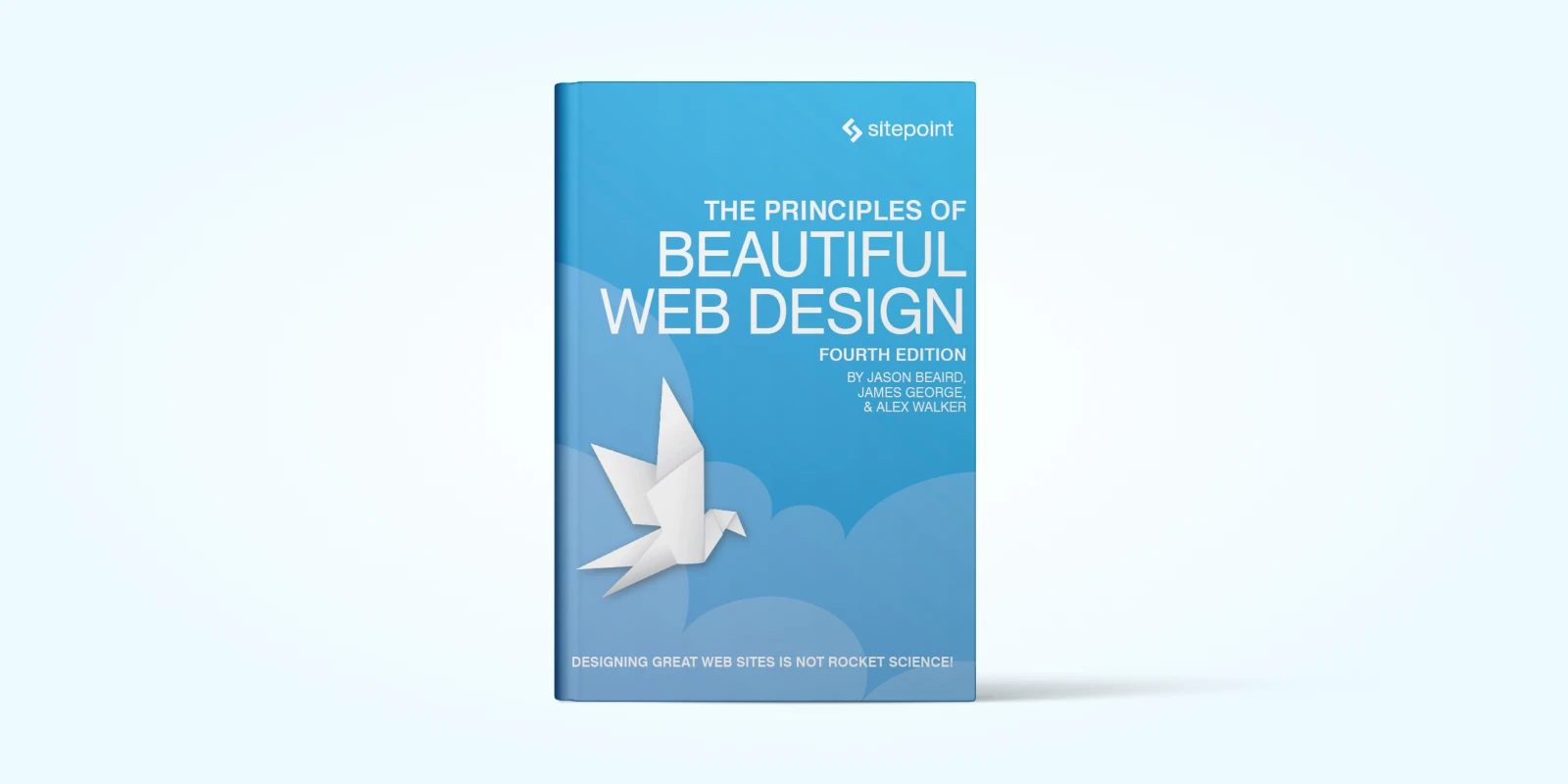
Principles of Beautiful Web Design is one of those books you pick up when you can build a website, but you don’t always feel confident about whether they look good. It’s written especially for developers, beginner designers, and practical creators who never had formal design training but still want their websites to feel clean, balanced, and genuinely beautiful.
Beaird starts from the basics: he walks you through layout and composition, color, texture, typography, and imagery of the five core pillars of good web‑design. He explains not just what looks good, but why it works.
What I like most is how the book is structured. The early chapters focus on the essentials every web designer should master in things like layout, grids, alignment, spacing, typography, and visual hierarchy.
One of the most enjoyable parts of the book is Chapter 3, where Jason breaks down texture in a way that finally makes it feel approachable. Instead of treating texture like some mysterious design magic, he explains it through the basics point, line, shape, pattern and then shows how these pieces come together in real websites.
Then the later chapters shift into the more artistic side of design things like texture, imagery, mood, and visual style. These sections are less about strict rules and more about design intuition. They show you how to experiment, how to try things, how to mix texture, color, and illustration to give your design personality.
And honestly, once you pair his explanations with some real examples, the chapter gets even better.
For instance, he talks about aged and weathered textures. When you look at a site like MajesticMadison.com, you instantly see what he means. The frayed edges, the grainy screen-print vibe, the speckled background — all of it creates this nostalgic, vintage feel without going over the top. It proves how texture alone can set the mood of a website before you even read a word.
And finally, the book teaches you how to think visually, even if you started as a developer. You begin to notice balance, spacing, rhythm, and small design details naturally.
At the end of reading the book, you will learn:
- Understand how to structure clean, balanced layouts.
- Learn to use grids, spacing, and alignment properly.
- Know how to choose color palettes that feel intentional.
- Use texture to add depth without clutter.
- Improve typography with better font choices and hierarchy.
- Pick and use images that support your design.
- Build a clear, repeatable web design workflow.
Design Systems – Alla Kholmatova (Best book for Product teams, UI/UX designers for Digital Products)
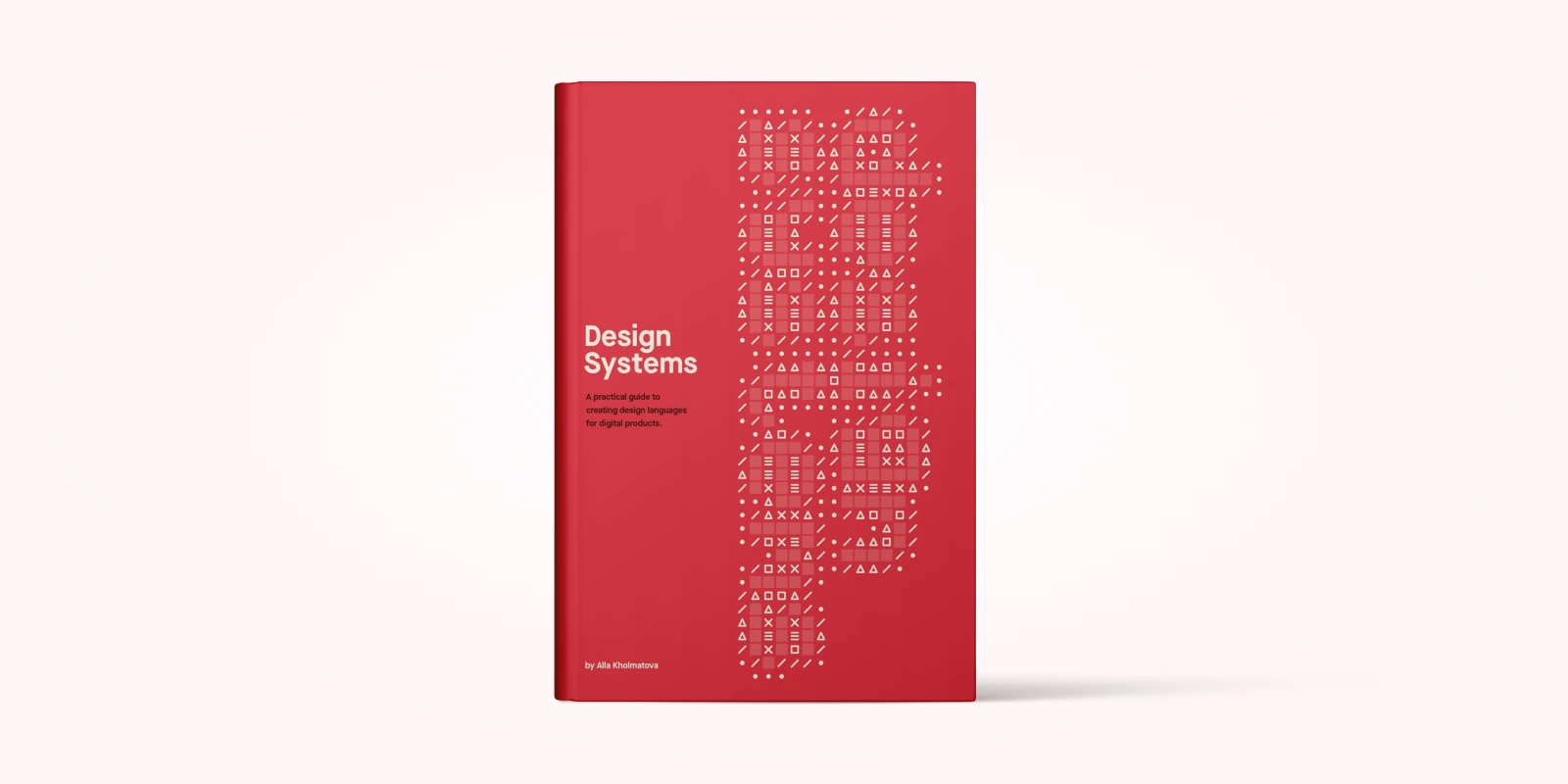
Design Systems by Alla Kholmatova is one of those essential books you reach for when your product is growing faster than your ability to manage it. It’s written especially for product teams, design leads, developers, and founders who are tired of fighting inconsistencies, debating hex codes, and watching their product become a complex, slow-moving mess.
If you’ve ever found yourself saying, “We need a design system,” but felt overwhelmed about the "how" and "why," Alla breaks it down. This book isn't about the latest tooling; it’s about the philosophy and the process. She walks you through what a design system actually is (hint: it's more than a component library), why it fails when it does, and how to make it succeed by focusing on shared language and collaboration across your entire organization.
Alla starts from the basics: she walks you through Foundations (the principles), System Anatomy (the parts), and Governance (the rules for maintenance) — the three core pillars of system success. She explains not just what a design system should contain, but why it often fails when governance and principles are missing.
Later, she shifts to practical execution, showing you how to audit your existing products and build the actual components and documentation. It's a pragmatic guide that turns a daunting organizational challenge into a clear, manageable project.
At the end of reading the book, you will learn:
- Understand how to align your design system with core business goals and user needs.
- Learn to conduct a systematic audit of your current product to find inconsistencies and reusable patterns.
- Know how to structure and document your system’s anatomy, including styles, components, and patterns.
- Use governance models to ensure the system is maintained, adopted, and evolves healthily over time.
- Pick the right scaling model (centralized, decentralized, or hybrid) for your organization’s size and structure.
HTML and CSS: Design and Build Websites – Jon Duckett (Best book for beginner coders learning HTML/CSS)
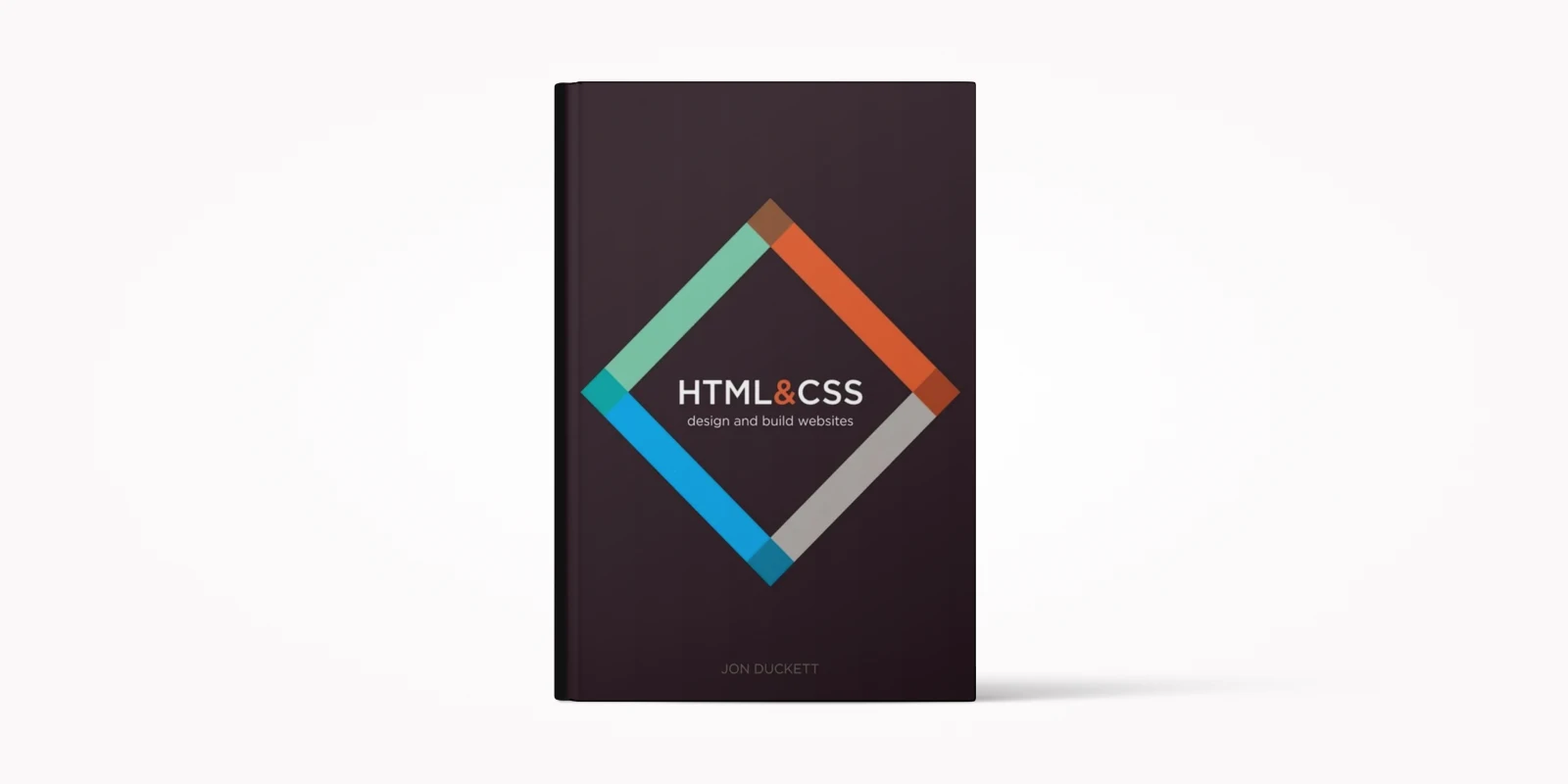
HTML & CSS is one of those essential books you pick up when you're done watching tutorials and are ready to finally build a website that doesn't just work, but looks genuinely good, too. It’s written specifically for beginners, developers, and practical creators who may have never had formal design training but want their websites to feel clean, balanced, and aesthetically pleasing right out of the gate.
Duckett starts from the basics: he walks you through structure, text, lists, and links—all the foundational elements. What makes this book shine is how it connects the code to the visual result. Each chapter is broken up into incredibly easy-to-read and easy-to-understand chunks, with beautiful, full-color diagrams showing exactly what the CSS property you just wrote will do to the HTML structure.
What I like most is how the book is laid out. The early chapters focus on the essentials every web builder should master—things like layout, grids, alignment, spacing, typography, and visual hierarchy. He explains not just what looks good, but the underlying principles of why it works. You quickly move from understanding simple tags to applying styles that result in a polished, professional-looking website.
This book offers a lot of really valid, real-world practical examples on how to start building websites right now. Obviously, a little has changed since the original printing, but if you started from the beginning knowing absolutely nothing about HTML and CSS, you would literally be able to finish the book, look at your screen, and have a simple, functional website ready.
Who is this book for? I would say the HTML & CSS book is perfect for somebody who has never created a website in their life, for someone who's created lots of websites but wants to maybe brush up on a couple of simple topics, or for the collector of beautiful, educational books.
At the end of reading the book, you will learn:
- Understand all the basic topics of HTML structure and CSS styling.
- Learn to structure clean, balanced layouts using modern web techniques.
- Know how to choose and apply text, links, lists, and tables correctly.
- Use CSS selectors and properties to style every element intentionally.
- Apply grids, spacing, and alignment properly for better visual hierarchy.
- Build a clear, repeatable workflow for marking up and styling content.
Additional Recommendation: If you finish this and are ready to dive into adding interactivity and logic, I highly recommend picking up the companion book, JavaScript & jQuery: Interactive Front-End Web Development by the same author. It’s a great jumping-off point for programming basics and a perfect next step in your front-end journey.
The Design of Everyday Things – Don Norman (Best Book for UX Fundamentals and product design)
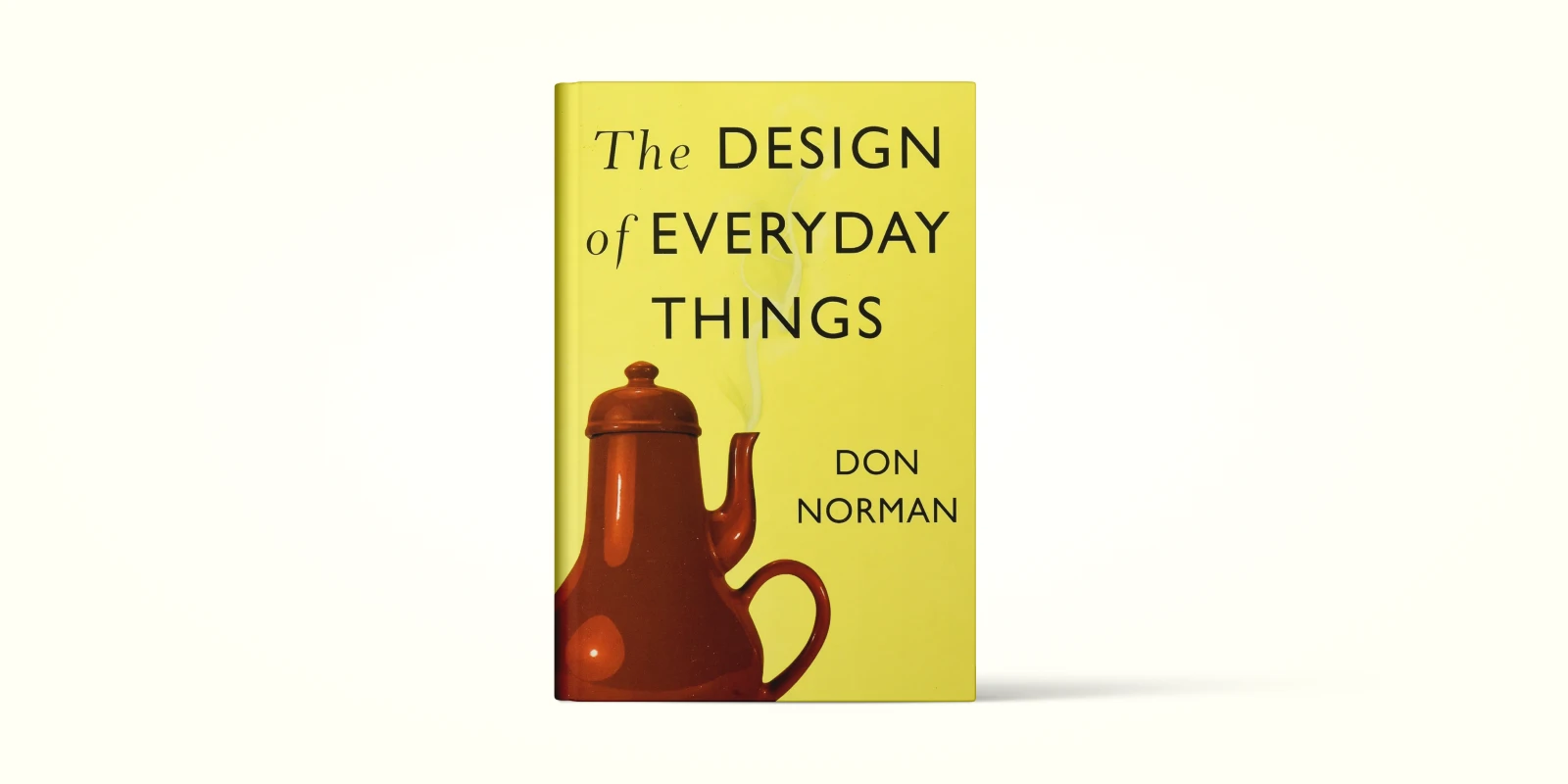
If you’ve ever wondered why some products feel effortless to use while others make you want to scream, The Design of Everyday Things explains exactly why.
This book is a must-read for designers, engineers, product managers, and honestly anyone who interacts with everyday objects—which is everyone. Instead of focusing on aesthetics, Norman digs deep into why products should make sense the moment we see them. His central idea is simple, If a product is confusing, the fault lies with the design, not the user.
Norman explains how bad design creates “learned helplessness,” where people start believing they’re incompetent simply because they can’t operate a coffee maker or a TV remote. Once you understand this, it’s surprisingly freeing—and it completely reshapes how you think about user experience.
The book is packed with real-world examples, including the now-famous “Norman Door”—a door so badly designed that no one knows how to open it. After reading about it, you’ll start spotting Norman Doors everywhere, and instead of feeling annoyed, you’ll find yourself analyzing exactly what went wrong.
He also gives a practical, four-step Human-Centered Design framework (observe → ideate → prototype → test), making it incredibly easy to apply the lessons to real projects. You start realizing that good design isn’t about adding more features—it’s about making the right actions obvious and the wrong ones impossible.
What makes this book brilliant is how easily its lessons transfer to digital product design. Norman explains two practical concepts every designer must master:
- Affordances (what users can do)
- Signifiers (what tells users how to do it)
Once you understand these, you start noticing usability issues everywhere—from confusing navigation bars to poorly placed CTAs. The book trains your brain to think like a usability expert and helps you design interfaces that guide users naturally instead of frustrating them.
He also gives a practical, four-step Human-Centered Design framework (observe → ideate → prototype → test), making it incredibly easy to apply the lessons to real projects. You start realizing that good design isn’t about adding more features—it’s about making the right actions obvious and the wrong ones impossible.
What You’ll Learn After Reading This Book
- Diagnose usability problems with expert accuracy
- Improve clarity using affordances and signifiers
- Design interfaces aligned with user mental models
- Use meaningful UI feedback to guide actions
- Create error-proof, forgiving user flows
- Add intuitive cues with labels and visuals
Learning Web Design – Jennifer Robbins (Best comprehensive beginner-to-intermediate guide (incl. JavaScript basics)
When you start reading Learning Web Design, you quickly realize why this book is such a staple for beginners.
Learning Web Design by Jennifer Robbins is the definitive beginner-friendly handbook. It’s written specifically for complete newcomers, students, and career-switchers who want a clear, classroom-style introduction to how websites actually work.
Robbins organizes the book like a well-taught college course.
You don’t just jump into code—you first understand why things work the way they do. And once you’re ready, she introduces the real building blocks of the web: HTML for structure, CSS for styling, and the basics of web graphics for visuals. Bit by bit, you start connecting the dots.
What’s refreshing is how naturally everything builds up. You learn something, try it, see it work, and instantly feel more confident. Robbins’ teaching style makes every concept—whether it’s the box model, page structure, or image optimization—feel completely approachable. It’s the kind of book where you can literally feel your skills growing page by page.
By the time you’re done, you don't just “know” HTML tags or CSS properties—you understand how browsers think, how code becomes a real page, and how to style and structure content the right way. It’s the perfect foundation that prepares you for any modern web design tool or framework you’ll learn afterward.
What You’ll Learn After Reading This Book
- Core HTML/CSS workflow mastery
- Semantic HTML for accessible structure
- CSS selectors, box model, and styling basics
- Image formats and web-graphics optimization
- Foundational page layout techniques
- Practical debugging and problem-solving skills
Refactoring UI – Adam Wathan & Steve Schoger (Best book for improving visual design skills quickly)
If you’re a developer looking to make your apps and websites look professional without relying on a designer, Refactoring UI is a must-read. Adam Wathan and Steve Schoger provide a practical, developer-focused approach to UI design, showing you how small changes in layout, color, typography, and spacing can dramatically improve the look and feel of your interfaces.
The book stands out for its clarity and actionable advice. Through clear “before and after” examples, it demonstrates exactly what design adjustments work and why. From subtle shadow usage to consistent spacing, you learn to see design principles in action rather than just reading abstract theory. The consistent visual style and thoughtful use of color highlights make it easy to follow and understand.
That said, this book is not a shortcut for absolute beginners. If you’ve never designed before, you won’t be able to instantly replicate high-quality interfaces. The real value comes if you have some background in development or design—you can use it as a stepping stone to refine your UI skills and make your products look more polished and professional.
Overall, Refactoring UI is a solid, practical guide for developers and intermediate designers who want to elevate their interface design. It’s precise, clear, and full of examples that make learning both tangible and actionable.
At the end of reading Refactoring UI, you will learn:
- Polish layouts to make interfaces visually clear.
- Improve typography for better readability and style.
- Use color strategically to guide user attention.
- Enhance visual hierarchy for more intuitive interfaces.
- Refine shadows and depth for realistic effects.
- Turn developer work into polished, professional UI.
Fundamentals of Creating a Great UI/UX — Creative Tim (Best book for building UI/UX from components to full pages)

Right from the start, you can feel Creative Tim’s message: stop wasting time reinventing random design patterns and focus on the basics that actually make a product feel good to use. Instead of giving you long theory that you’ll forget, the book gives you practical fundamentals you can apply the same day. It helps close that annoying gap between “what you wanted to design” and “what actually came out.”
What makes it even better is that it works for both designers and developers. If you’re a developer, the book teaches you to think visually without overwhelming you. If you're a designer, it gives you the structure and clarity that makes working with developers way smoother. It boosts teamwork, speeds up your workflow, and improves the overall quality of anything you build.
By the time you finish it, the book honestly feels less like a guide and more like a go-to manual you’ll keep coming back to whenever you start a new product or feature.
What You’ll Learn After Reading the Book
- Core usability principles for intuitive product experiences
- Clean visual hierarchy that elevates interface clarity
- UI/UX vocabulary to communicate design decisions
- Smart wireframing methods to validate ideas early
- Reusable component design for consistent UI systems
- User-focused workflows that guide evidence-based design
Responsive Web Design – Ethan Marcotte (Best book for mastering practical, real-world responsive design that works across every device)
If you’ve ever built a website that looked perfect on your laptop but fell apart the second someone opened it on their phone, Responsive Web Design is the book that finally makes everything click. What I found refreshing is how Marcotte talks to you like a fellow builder—not a lecturer. He understands the everyday struggle of designing for a web that refuses to stay still.
Right from the beginning, he makes one thing clear: the web is fluid. Devices change, screen sizes vary, and your layout must adapt instead of breaking. And instead of overwhelming you with buzzwords, he breaks down the core building blocks that make responsiveness actually work—fluid grids, flexible images, and smart media queries. Once you see how these three pieces fit together, you can’t unsee it. It becomes the foundation you’ll use on every project going forward.
What I appreciated most is how practical and honest the book feels. Marcotte doesn’t pretend everything always works on the first try. He walks you through real problems—like flexible images misbehaving or layouts stretching awkwardly—and then gives you reliable patterns to solve them. It’s the kind of advice you’d only get from someone who’s broken these layouts a hundred times and learned the smart way out.
And by the time you reach the final chapter, you can feel a mindset shift. You stop thinking in terms of fixed pages and start thinking in flexible systems. You plan breakpoints with intention. You build mobile-first because it just makes sense. Suddenly, designing for every screen becomes less of a headache and more of a natural workflow.
This book doesn’t scream “trendy.” It feels like a long-term companion for anyone who wants to build durable, device-friendly websites that hold up no matter what the web throws at us.
What You’ll Learn After Reading This Book
- Build flexible, fluid grid-based layouts
- Structure pages that adapt to any screen
- Use media queries with real intention
- Optimize images for responsive behavior
- Design mobile-first, scalable site foundations
- Plan breakpoints based on content needs
- Solve common responsive layout issues
Thinking with Type – Ellen Lupton (Best book for typography specifically for digital design)
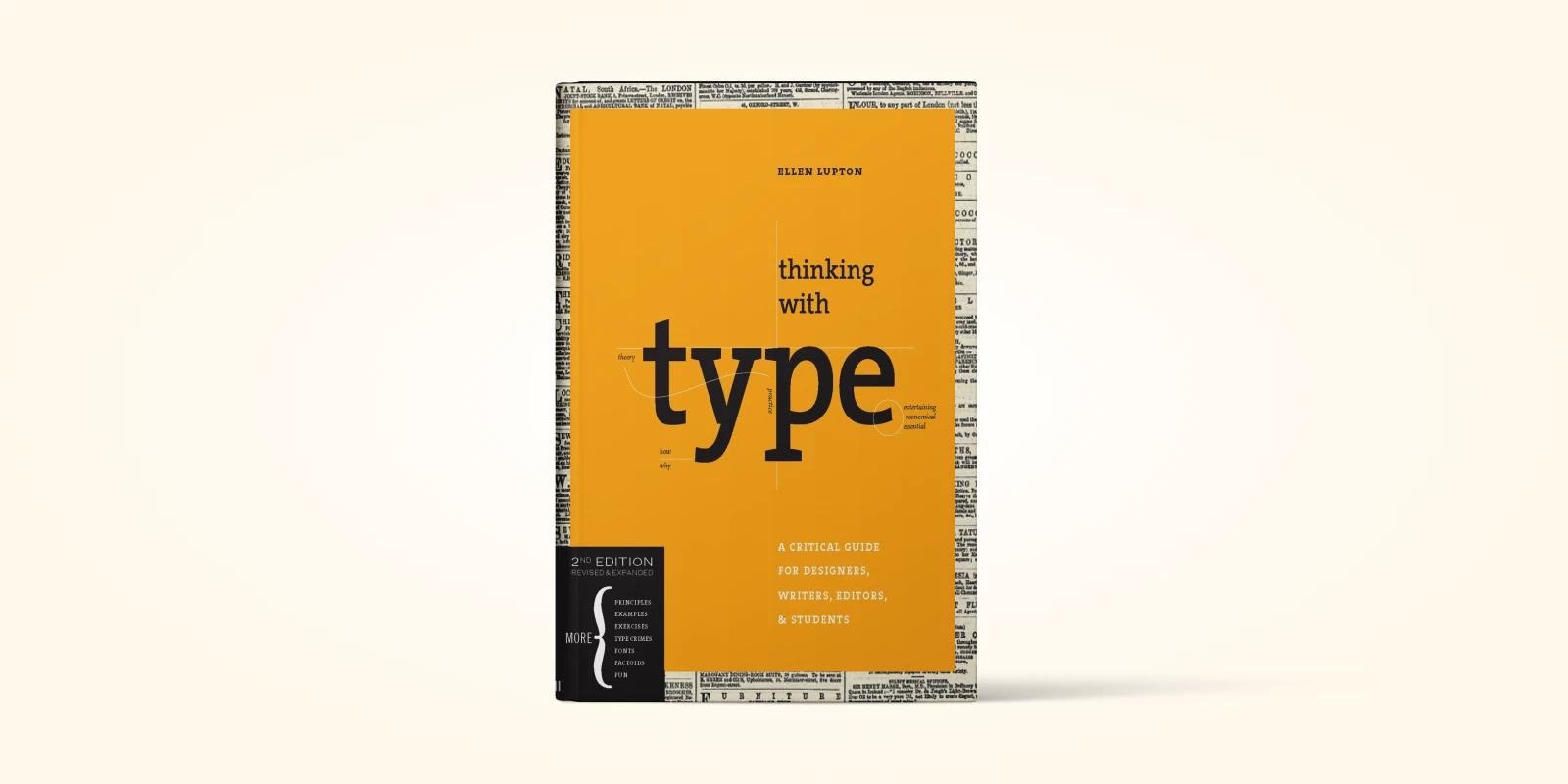
If you've ever looked at a website and thought, “Why does this text look… off?” — this is the book that finally answers that question. Thinking with Type by Ellen Lupton is one of those rare design books that makes you realize just how much typography influences everything you build. And honestly, once you understand these principles, you’ll never look at text the same way again.
What I loved while reading it is how approachable Lupton makes typography. She doesn’t talk down to you, and she doesn’t assume you already know the difference between kerning and tracking. She walks you through the basics in a way that feels like you’re learning from a mentor rather than a textbook. Whether you're a web designer, a front-end developer, a UI/UX designer, or even a writer who cares about presentation, this book gives you the tools to take full control of how your content looks and reads.
The best part? Lupton helps you see typography not as decoration, but as a functional design system. She breaks down why spacing matters, why alignment matters, why the wrong typeface can ruin an interface, and how small adjustments can make your layout feel instantly more professional. It’s the kind of knowledge you can apply immediately—on your landing pages, dashboards, blog posts, product UI, everywhere.
By the time you finish the book, you stop being someone who “just types text.” You become someone who designs with text. And that shift alone can massively elevate the quality of your web design work, especially in a world where 90% of the interface is text.
What You’ll Learn After Reading the Book
- Recognize type anatomy for better readability
- Adjust kerning and tracking with precision
- Build strong hierarchy using scale and weight
- Structure text layouts using effective grids
- Apply proper punctuation for pro typography
- Choose typefaces based on function and tone
The Win Without Pitching Manifesto – Blair Enns (Best book for freelance web designers who want to sell services)

If you're a freelancer, a small agency owner, or really any creative person who is tired of spending countless hours doing free work, writing proposals, and getting told, "Your price is too high"—then this book is your wake-up call. The Win Without Pitching Manifesto is a game-changing read for agency owners, independent consultants, and creative professionals who feel undervalued and want a better way to land great clients.
Blair Enns noticed something frustrating: the entire traditional process of "pitching to win" is designed to make you look like a vendor, not an expert. It forces you to give away your best ideas for free, focuses the client purely on cost, and leaves you feeling completely burnt out. The great news is that the book doesn't just complain; it gives you 12 clear, actionable rules (he calls them Proclamations) to completely change the game.
This book is about shifting your mindset and teaching you how to act like the expert you truly are. Enns shows you how to move from being an order-taker to being a trusted advisor. You learn how to talk about your work with confidence, set clear boundaries, and structure client conversations so they focus on the results you deliver, not the time you spend. Honestly, applying these principles will not only make you more money, but it will make you feel a whole lot better about the work you do!
What You’ll Learn After Reading the Book
- Position yourself as an expert, not vendor
- Define your niche to attract ideal clients
- Lead value-driven sales conversations confidently
- Stop free work with clear paid engagements
- Price services based on outcomes, not hours
- Walk away from clients who undervalue you
- Negotiate expectations for healthier collaborations
Microinteractions: Designing with Details – Dan Saffer (Best book for UI animations and microinteractions)
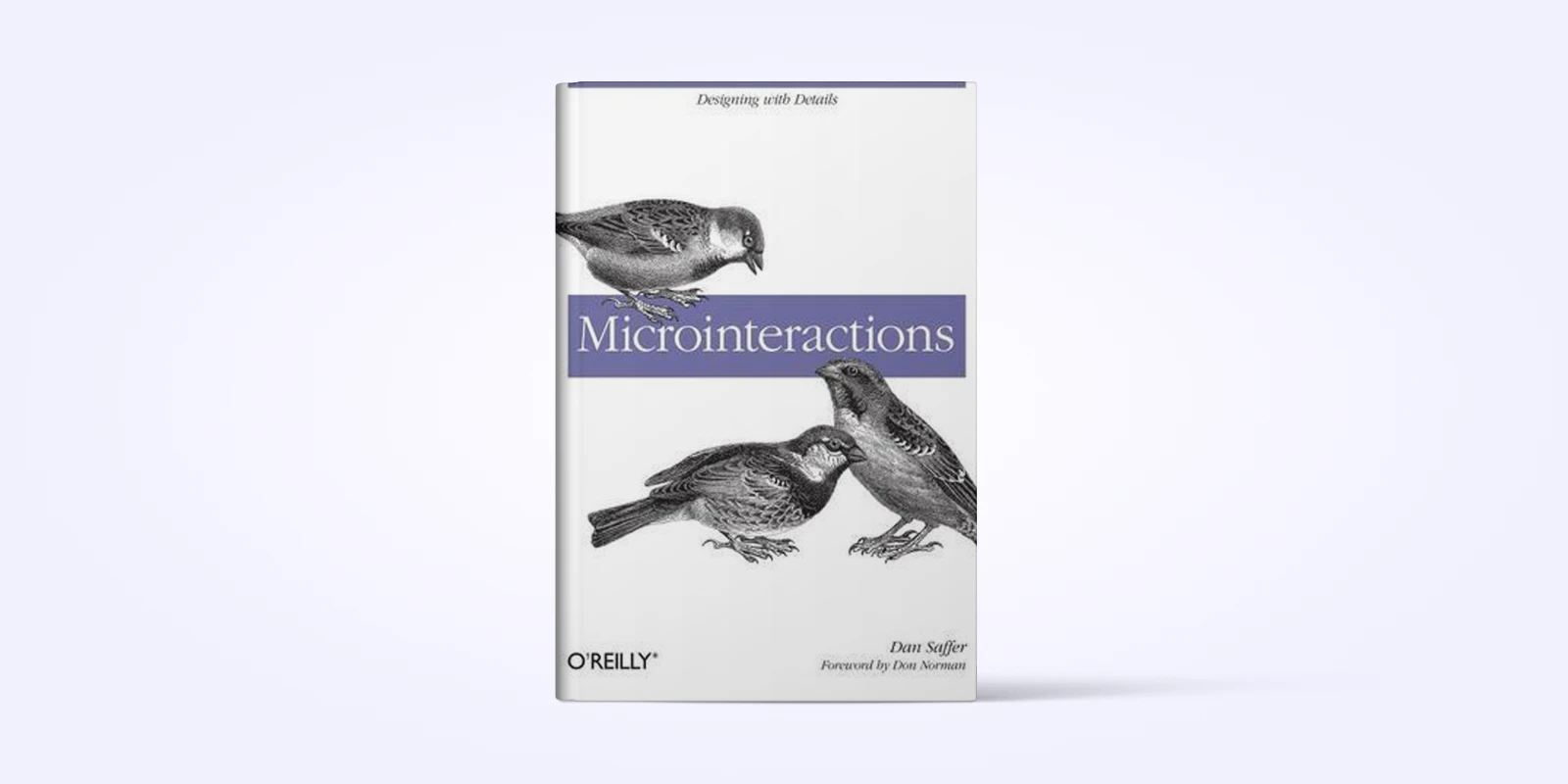
Have you ever noticed how satisfying it feels when a message sends and you see that little checkmark? Or when you tap “like” and the heart does a quick playful bounce? Those tiny details seem small, but they’re exactly what make a product feel alive. That’s the entire world this book explores.
Microinteractions by Dan Saffer is the must-read guide for understanding these little design moments that shape how users feel while using a product. Whether you're a web designer, app developer, product manager, or UI/UX specialist, this book gives you the clarity to design interactions that aren’t just functional—but delightful.
What I enjoyed most is how Saffer breaks microinteractions down into four simple parts: Trigger, Rules, Feedback, and Loops & Modes. Once you understand these, suddenly every button click, hover animation, or tiny confirmation moment starts to make sense. You start seeing how intentional small details can be, and how much they improve user trust and satisfaction.
What really stands out is the practicality. The examples come straight from real products—apps, dashboards, widgets, even physical devices—showing you exactly how good microinteractions guide, reassure, and entertain the user. It proves that great design isn’t only about big layouts or color systems; sometimes it’s that tiny “yes, your action worked!” moment that makes the user feel good.
By the end, you’ll not only understand microinteractions—you'll start spotting them everywhere and designing your own with far more purpose and personality.
What You’ll Learn After Reading the Book
- Master triggers, rules, feedback, loops, modes
- Design intentional user- or system-triggered actions
- Create subtle feedback that reassures users instantly
- Manage repeating loops and temporary interface modes
- Add personality and brand voice through microdetails
- Prototype and test microinteractions for better UX
A Web for Everyone – Sarah Horton & Whitney Quesenbery (Best book for accessibility and inclusive design)

You've probably heard the term "accessibility" used for websites and apps, and you might think it just means adding alternative text to images. Well, A Web for Everyone shows you it's so much more than that! This book is a passionate argument for why designing for people with disabilities—from temporary injuries to permanent conditions—doesn't have to compromise your design; it actually makes it better for everyone.
This book is absolutely essential for UX/UI Designers, Web Developers, Product Managers, Content Strategists, and anyone leading a digital team. It shifts your focus from just meeting compliance checklists (like WCAG) to genuinely understanding the human impact of your design choices.
The authors, Sarah Horton and Whitney Quesenbery, use a wonderful technique: they introduce you to a cast of detailed, realistic personas (like Jacob, who is blind and relies on a screen reader, or Lea, who deals with chronic fatigue). By meeting these characters, you stop thinking about "disabilities" in the abstract and start thinking about how real people like Trevor, Emily, or Steven use—or struggle to use—the products you create. The book essentially provides the human stories behind the technical standards, ensuring that when you write code or design a layout, you’re thinking about the full spectrum of users who rely on the web. It shows you how inclusive design is simply good design.
What You’ll Learn After Reading the Book
- Use personas to identify real accessibility gaps
- Apply six core traits of accessible UX
- Integrate accessibility from the earliest design phase
- Design for cognitive, physical, and sensory diversity
- Structure content for clarity and easy navigation
- Understand business benefits behind inclusive design
How to Choose What to Read First from Your Web Designing Level?
Choosing the right web design book really comes down to where you are right now and what you want to improve next. Even though design fundamentals stay mostly the same, the book that helps a total beginner won’t be the same one that helps an intermediate designer or a product lead.For quick takeaways between longer reads, Deepstash can be another way to discover and save concise ideas from books and other sources.
The smartest approach is to match your current skill level with the book that directly supports your immediate learning goal.
Here’s a simple guide to picking your first read:
- For absolute beginners who need a clear intro to usability: Don’t Make Me Think
- For new coders learning HTML/CSS step-by-step: HTML and CSS: Design and Build Websites
- For complete newcomers who want a full classroom-style foundation: Learning Web Design
- For non-designers (developers) who want to make visually strong websites: The Principles of Beautiful Web Design
- For anyone who wants to understand UX fundamentals and why products fail: The Design of Everyday Things
- For developers or intermediate designers who want fast, practical visual improvements:
Refactoring UI - For designers ready to master real-world responsive design: Responsive Web Design
- For product teams, design leads, and growing companies needing scalable systems:
Design Systems - For freelancers who want to win clients and stop doing free work: The Win Without Pitching Manifesto


0 Comments