

Adding animations is the best thing you can do for your site. They can make your website feel modern, alive, and more engaging.
Also, now it’s easy to animate websites by using plugins. There are tons of animation plugins available with different animation engines (CSS or GSAP) and page builder specific support.
You will even find a dedicated animation builder plugin that works with all themes and builders.
In this guide, we list the 10 best WordPress animation plugins that meet the needs of all types of users. Let’s explore them together.
TL;DR: What's the Best Animation Plugins for WordPress?
- Best for Divi Users: DiviMotion
- Best for Gutenberg Users: Greenshift
- Best for Elementor Users: Animation Addons
- Best for All Builder Support: Motion.page
Top WordPress Animation Plugins Quick Comparison
| Plugin Name | Animation Engine | Builder Compatibility | Free Version | Starting Pricing |
| DiviMotion | GSAP | Divi | ❌ | $49/yr |
| Animation Addons | GSAP | Elementor | ✅ | $59/yr |
| Greenshift | GSAP & CSS | Gutenberg | ✅ | $39.99/yr |
| Motion.page | GSAP | All builders | ❌ | €69/yr |
| Animator | CSS | All builders | ❌ | $49/yr✅ |
| Animation Builder | GSAP & CSS | All builders | ✅ | $34/yr |
| WP Interactions | CSS & JavaScript | Gutenberg | ✅ | $39/yr |
| UiCore Animate | CSS | Elementor, Gutenberg | ✅ | Free |
| Blocks Animation | CSS | Gutenberg | ✅ | Free |
| POWER GLOO | GSAP | Elementor | ❌ | $79/yr |
Now, let’s get to know more about the top WordPress animation plugins in detail.
1. DiviMotion - Best Animation Plugin for Divi
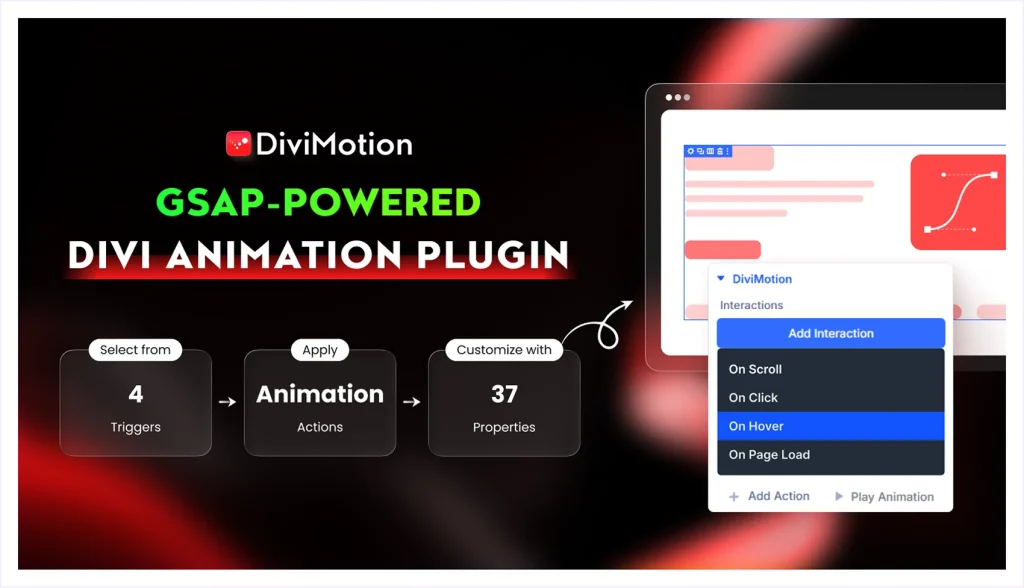
DiviMotion is a Divi-specific plugin that lets users add advanced animations to any Divi element. It’s a GSAP-based solution built around an interaction-driven system with timing, easing, and motion controls.
It supports four interactions, including scroll, click, hover, and load. All these are paired with dozens of built-in actions such as fade, scale, and more. You can even create custom actions with timeline control and keyframe editing.
It’s like having Webflow-level animations built directly into the Divi ecosystem. That means you can achieve any kind of simple to complex motion or interactive effect without ever leaving the visual builder or writing code.
What We Like Most
- Fully compatible with existing Divi layouts and templates
- Works with section, row, column, modules and nested elements
- Split text animations for characters, words, and lines
- Ability to stack multiple animations on a single element
- Fine control over animation delays and sequencing
- Device-specific animation control for desktop, tablet, and mobile
- 20 + fully customizable pre-made animations templates
- Extensions like timeline, horizontal scroll and more
- Modules like Draw SVG, Morph SVG and more
- Multiple animated website templates
Pricing
DiviMotion comes with annual and lifetime billing plans. The annual plan starts at $49, while the lifetime plan begins at $149.
2. Animation Addons - Best Animation Plugin for Elementor
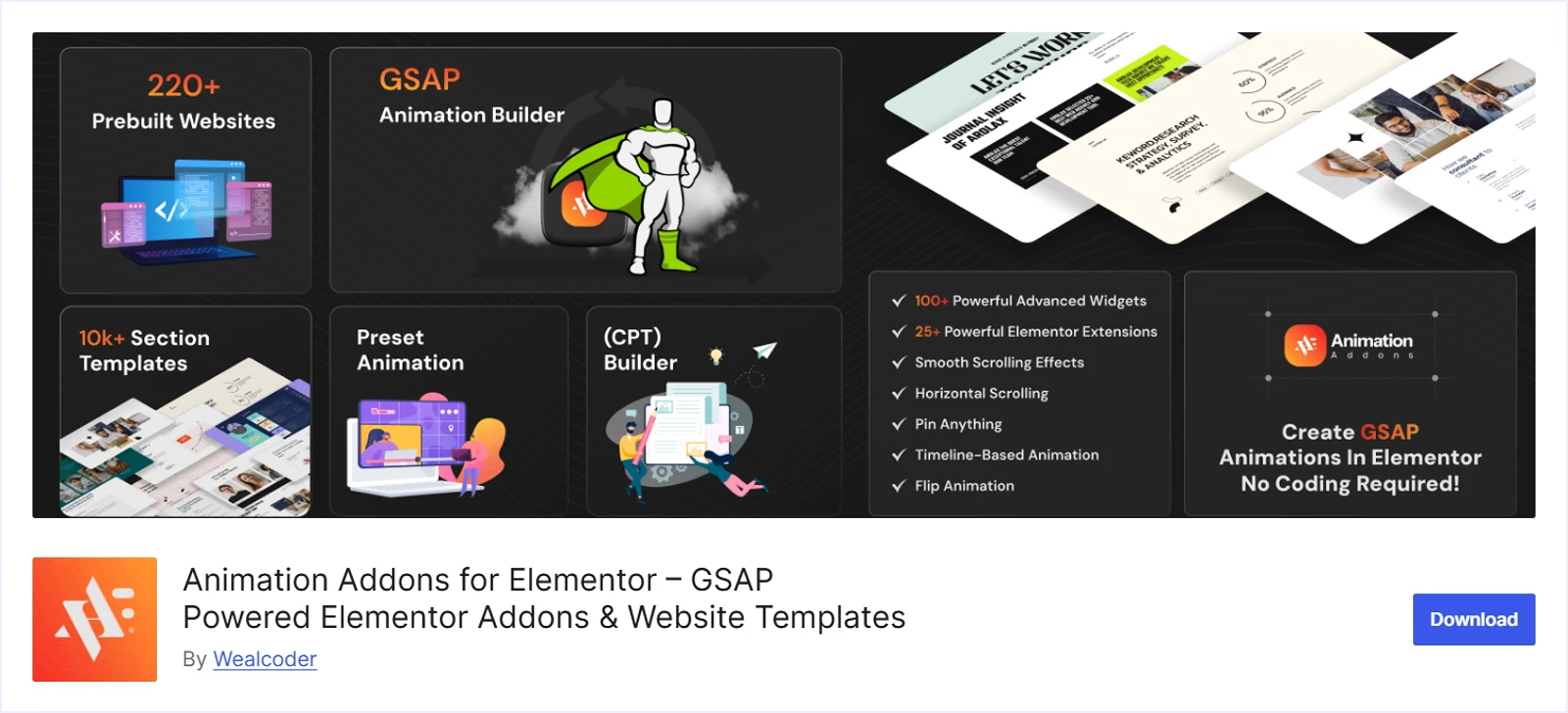
Similar to DiviMotion, Animation Addons is also a builder-specific plugin and it works with Elementor. Basically, it’s an add-on pack that brings GSAP-powered animation capabilities into the Elementor Builder.
It includes 100+ widgets and 20+ extensions, each equipped with built-in animation, motion, and interaction controls. (You must use the Pro version to enable animations functionalities.)
Also, Animation Addons supports both pre-built effects, like fade, and slide as well as a Custom Animation Builder. By using the builder, you can create custom animations with control over triggers, easing, timing, and more.
What We Like Most
- Multiple animation triggers, including scroll, load, hover, and click
- Custom Animation Builder with flexible visual controls
- Timeline-based animations with stagger/delay/easing
- Add animations to any existing Elementor widget/layout
- SplitText, ScrambleText, MorphSVG, Motion Pat
- 220+ pre-built website templates with motion effects
Pricing
Animation Addons offers both yearly and lifetime subscription plans. The yearly plan starts at $59, while the lifetime plan starts at $119, both for a single site.
3. Greenshift - Best Animation Plugin for Gutenberg Block Editor
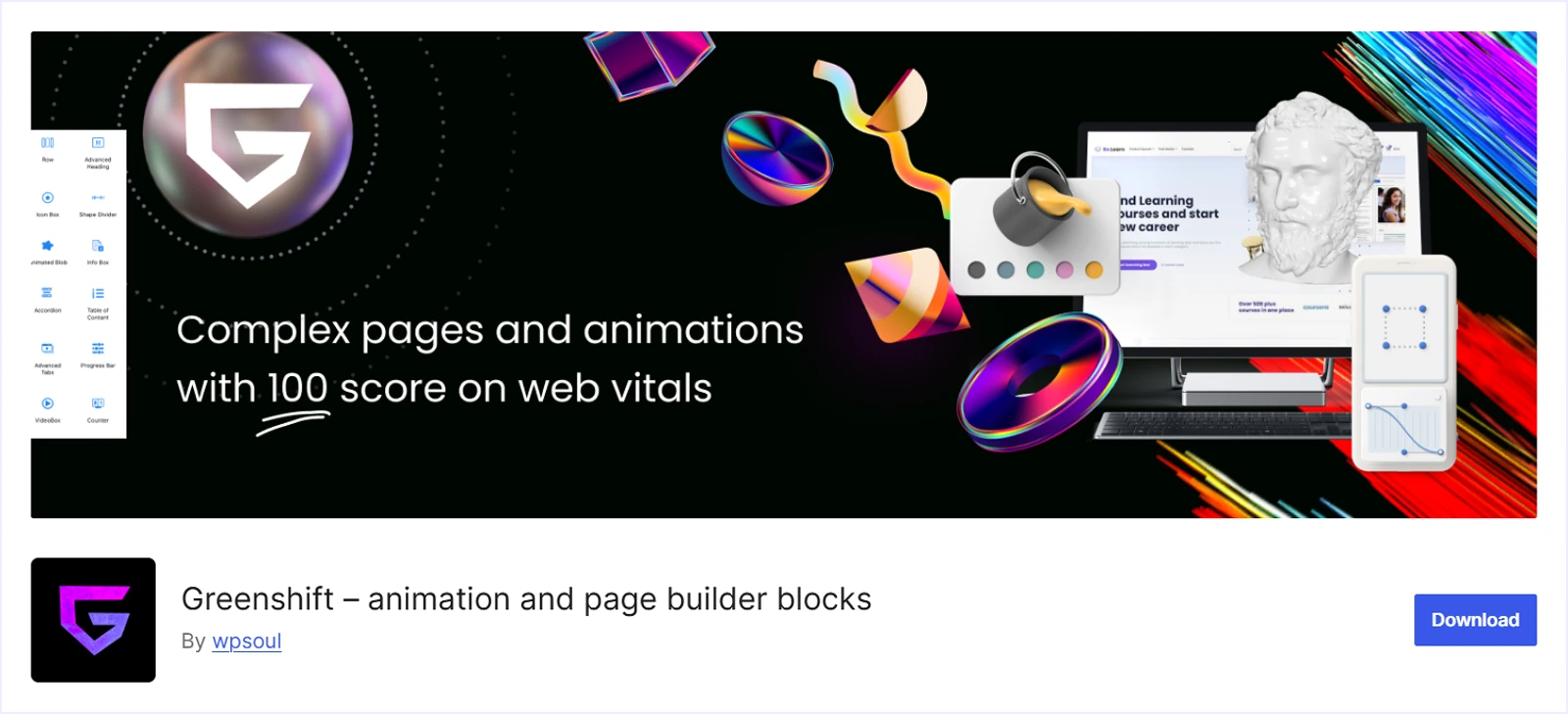
GreenShift is a Gutenberg specific plugin that comes with a solid foundation of CSS-based animations, including scroll reveals, parallax effects, and hover transitions.
For more advanced needs, you can get its Animation Addon to get GSAP-powered features. That adds 20+ animation blocks like scroll effects, mouse interactions, Lottie and DotLottie, SVG and text drawing, pin scroll, and more.
Beyond animations, GreenShift includes over 50 blocks and 30+ layout elements to create visually rich pages. And you will find animation and interaction controls inside each block and element’s settings panel.
What We Like Most
- CSS animations for simple effects
- GSAP-powered motion to build complex interactions
- Powerful chaining for multi-step, sequenced animations
- Visual animation controls for layouts and sections
- Ready-made animation presets with excellent FSE compatibility
Pricing
Greenshift offers both annual and lifetime plans. The annual plan starts at $39.99 for 5 sites, while the lifetime plan starts at $79.99 for the same number of sites.
4. Motion.page - Best for Page Builder Compatibility
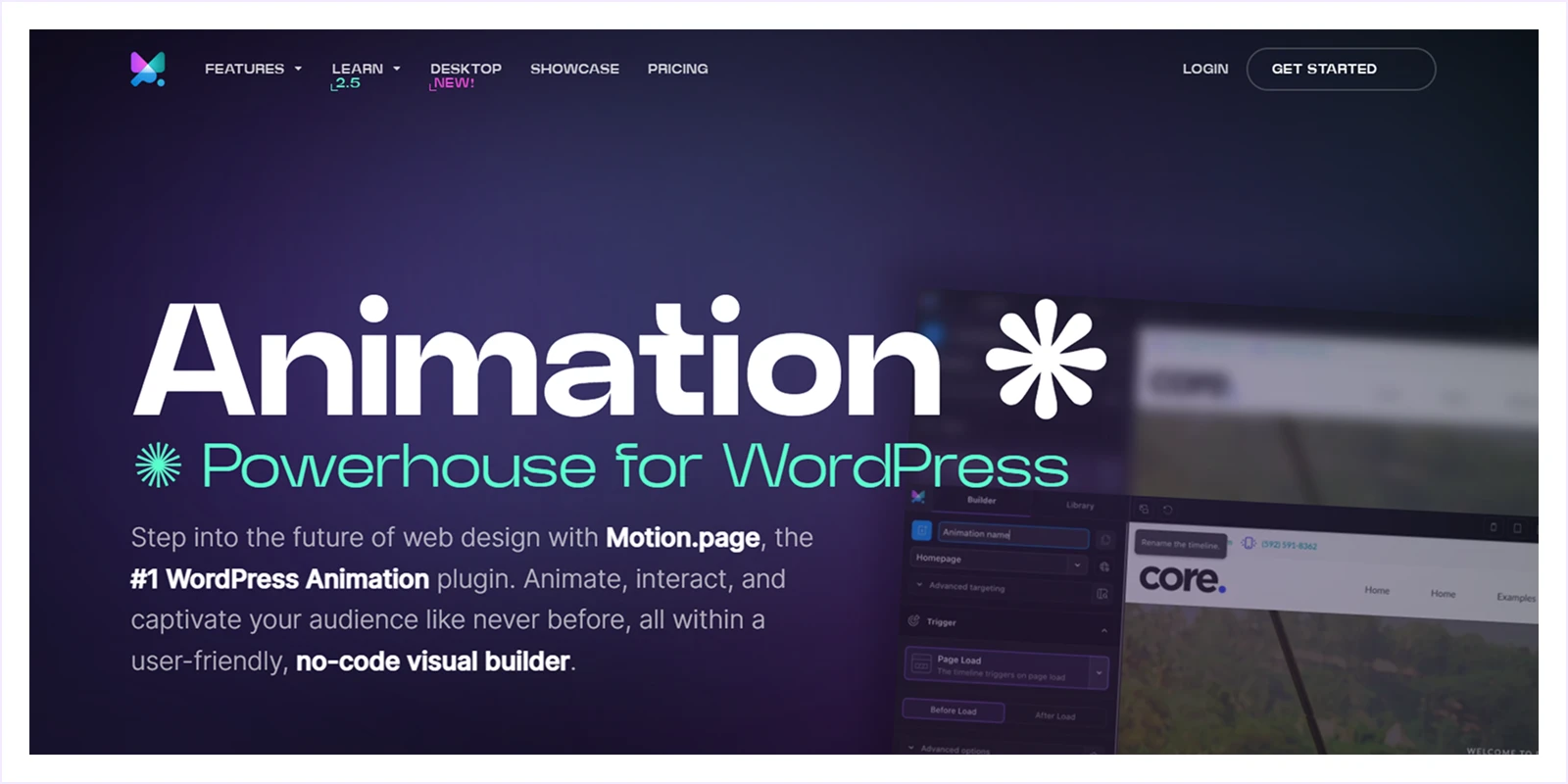
Motion page is one of the best animation builder plugins for WordPress. It lets you create advanced GSAP animations like ScrollTrigger, SplitText, image sequences, page transitions, and mouse-based interactions.
You can build these animations using a visual, timeline-based editor with precise keyframes and CSS selector targeting. It’s like working with a GSAP timeline editor, but entirely visual.
More than that, it stands out for its exceptional page builder compatibility. That means after creating animations, you can apply them across Elementor, Gutenberg, Bricks, and other major page builders without platform lock-in or code.
What We Like Most
- Visual timeline editor with a clean drag-and-drop workflow
- Animate any element using CSS selectors without changing structure
- Save and reuse animation presets across pages
- Global controls for easing, interactions, and site-wide behavior
- Responsive animation settings with real-time preview
- Ability to combine multiple animations into a single timeline
- Conditional asset loading to ensure peak performance
Pricing
Motion.page’s annual plan starts at €69 for five websites. It also has a lifetime plan that costs €597 for unlimited websites.
5. Animator - Best for Scroll, Parallax, & Timed Animations
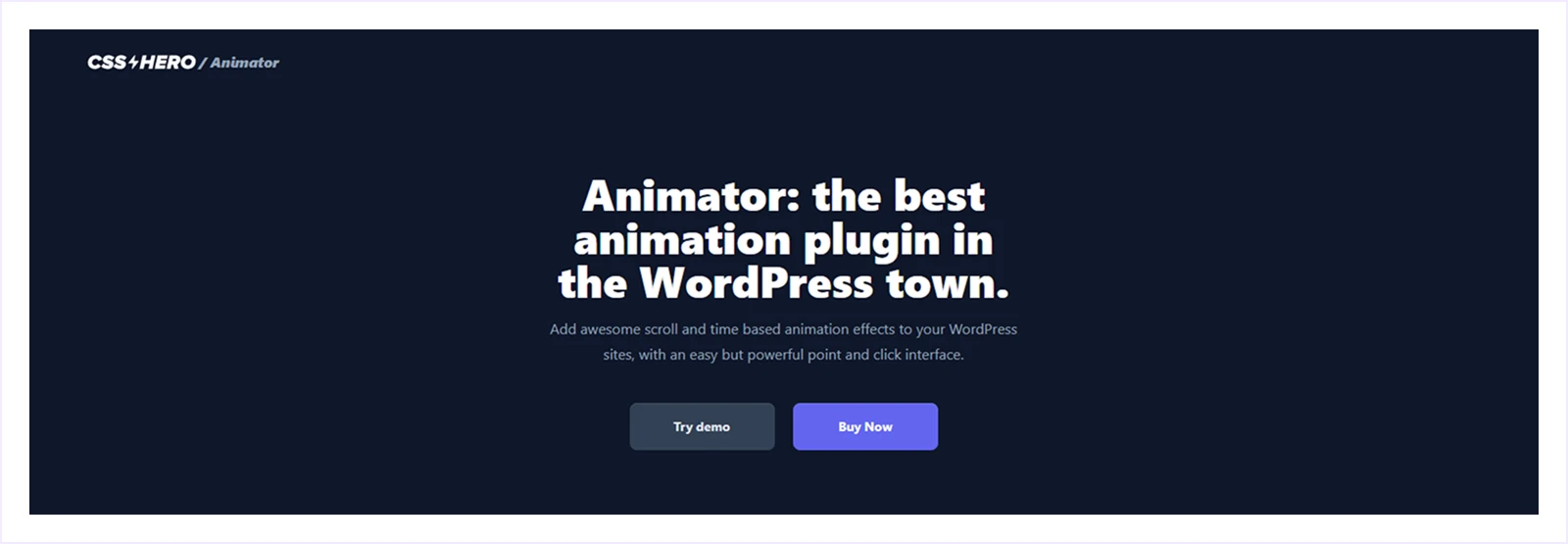
Animator matches Motion.page's broad compatibility across all WordPress themes and page builders. But, it’s not a dedicated animation builder and instead it offers a point-and-click interface system.
To get started, open any page or post, click the Animator icon from the WordPress admin toolbar, and hover over elements to select them. You can then use the visual timeline to choose an animation mode and control how the animation behaves.
Animator provides three animation modes: parallax, scroll, and timed. Each mode allows you to set keyframes and animate CSS properties such as rotation, opacity, scale, and more.
While it’s not built for complex interaction logic, Animator works well for adding fast, lightweight animations without touching code.
What We Like Most
- Easy point-and-click interface for quick setup
- Viewport ruler for pixel-perfect scroll trigger positioning
- Universal compatibility across all themes/page builders
- Adaptive timeline with draggable keyframes
- Supports 20+ CSS properties
- Site-wide smooth scroll toggle
- Per-element/full-page reset buttons
- Mobile preview and per-mode mobile disable options
Pricing
Animator offers a single pricing plan at $49 per year. This subscription lets you use the plugin on all of your sites.
6. Animation Builder - Best for Scroll-Triggered Animations
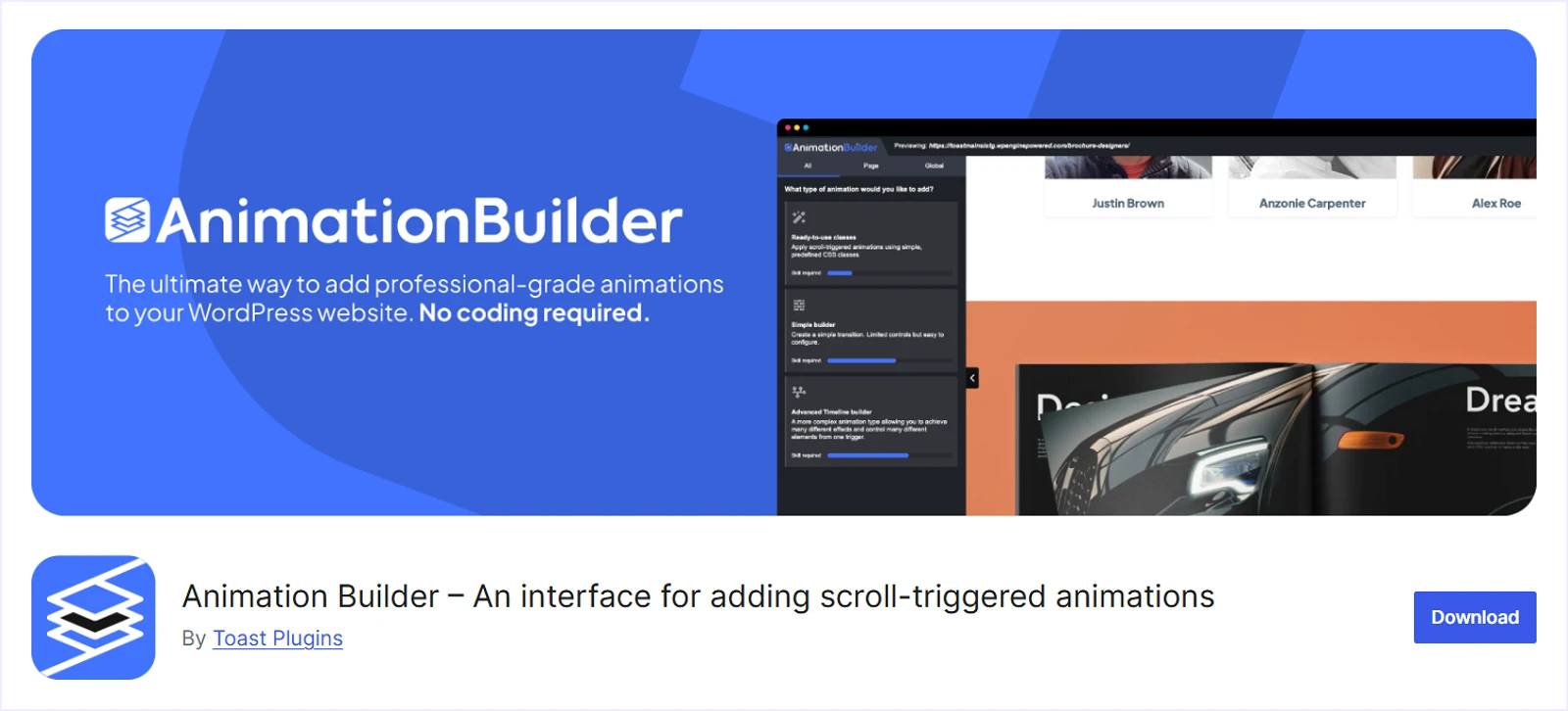
Animation Builder is perfect for users who want complete control over scroll-based animations on their site. Powered by GSAP, it enables you to create everything from simple fades and slides to intricate, multi-stage animations.
To create animations, you can choose from four powerful methods to bring your ideas to life:
- Simple Animation Builder for quick transitions
- Advanced Timeline Builder for precise multi-stage control
- Ready-to-use CSS classes for instant effects
- Legacy Activations for performant viewport triggers
Having all four methods gives you unmatched flexibility for any scroll animation need.
What We Like Most
- Scroll-triggered animations powered by GSAP
- Simple Animation Builder for quick transitions
- Advanced Timeline Builder for multi-stage control
- Ready-to-use CSS classes for instant effects
- Legacy Activations for viewport performance
Pricing
Animation Builder offers three yearly subscription plans, starting at $34 for one site and going up to $109 for unlimited websites.
7. WP Interactions - Best for Precise Element Targeting
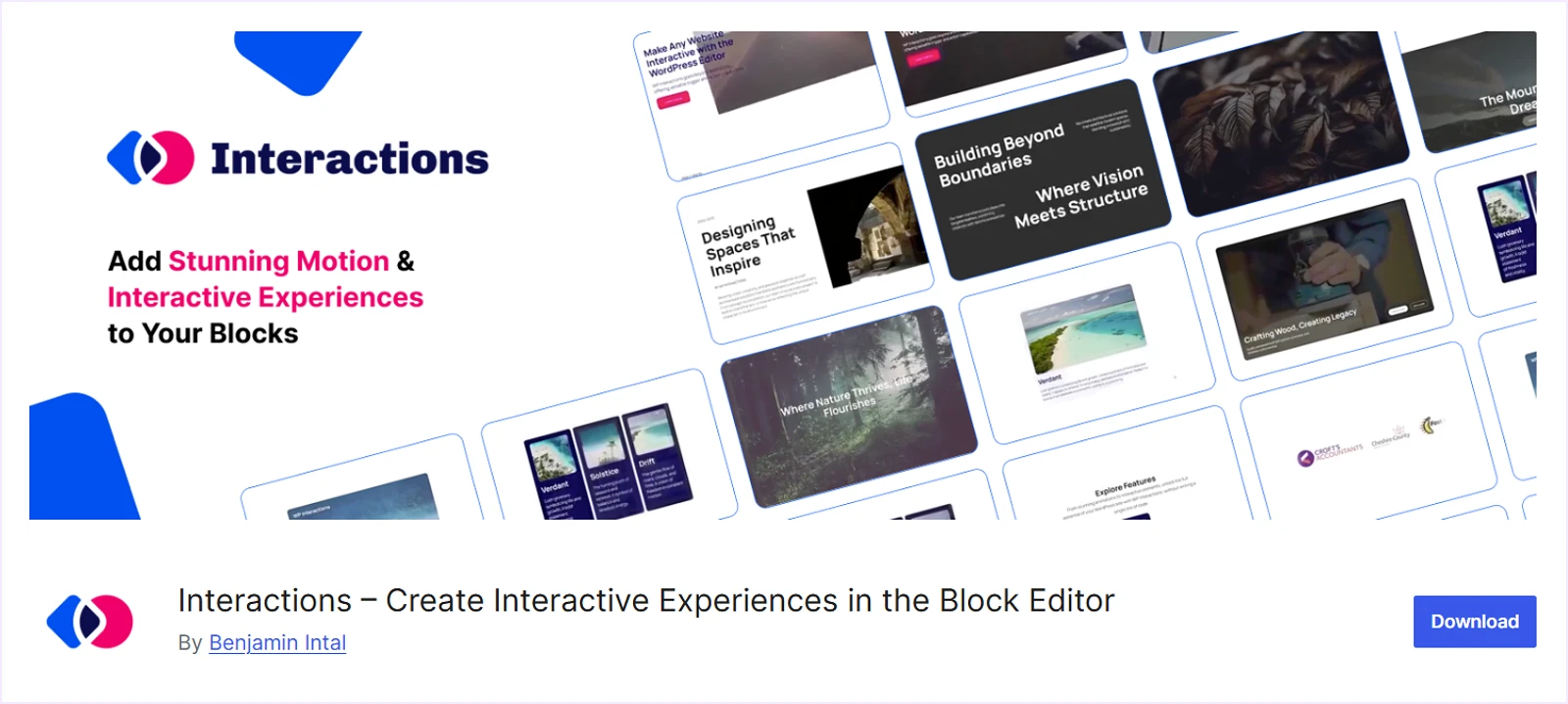
WP Interactions is a block-based WordPress plugin that stands out for its element targeting capabilities. Unlike others, it will give you intentional control through both element interactions and page interactions.
With element interactions, you can accurately target blocks using block names, CSS classes, or custom CSS selectors. After that simply choose a trigger and assign the desired action.
Page interactions follow a similar workflow, allowing you to apply page-level triggers like page load. Inside the page interaction, you define global actions that run site-wide, like on load or smooth-scroll navigation.
WP Interactions also includes an Interactions Library with pre-built animations that are ready to apply with one click.
What We Like Most
- Chains events to animations in sequences
- Target blocks by name, class, or selector
- Element and page interaction types
- Scroll effects when entering viewport
- Fade, slide, zoom, rotate animations
- Dynamic style changes and class toggles
- Reusable library with import/export support
Pricing
WP Interactions offers both annual and one-time subscription plans. The annual plan starts at $39, while the lifetime plan starts at $139, both for a single website.
8. UiCore Animate - Best Free Animation Plugin for Elementor
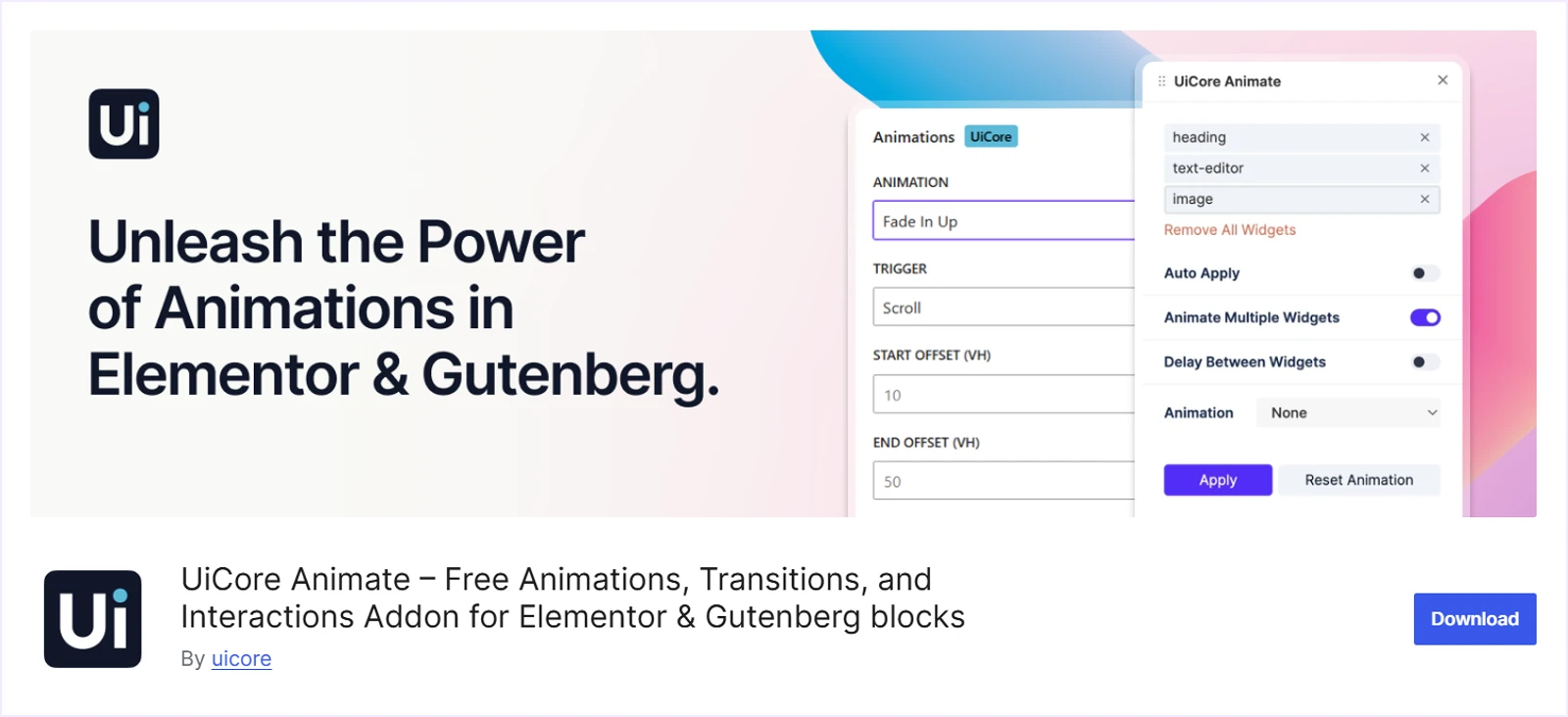
UiCore Animate is a powerful animation plugin that works with Elementor and Gutenberg. It lets you add animations, smooth scrolling, page transitions, and creative visual effects with ease.
In Gutenberg, insert any block and open the Animations settings from the block settings panel. There, you can choose animation types, triggers, duration, and delay for the selected block.
For Elementor users, animations are managed through the UiCore panel inside the builder. From the panel, you can select effects, fine-tune timing, and animate multiple widgets together.
What We Like Most
- Works with both Elementor and Gutenberg
- Ready-made animation presets for quick setup
- Scroll-based animations and reveal effects
- Smooth scrolling and page transition effects
- Animate individual or multiple widgets
- Control animation triggers, duration, and delay
- Everything is free in UiCore Animate plugin
Pricing
UiCore Animate is a free plugin.
9. Blocks Animation - Best Free Animation Plugin for Gutenberg

Blocks Animation lets you add motion effects to individual Gutenberg blocks. It comes with a solid library of interaction animations that improve visual flow and user experience.
While creating animations, you can control timing, delay, and trigger behavior inside the Gutenberg editor. It also supports hover effects, scroll-based animations, and replay options for better interaction control.
All these features are available in the free version, making it a strong choice for adding animations to Gutenberg without extra cost.
What We Like Most
- Block-level animation controls inside the native Gutenberg editor
- Large collection of entrance and interaction animation effects
- Scroll-based and hover-based animation triggers
- Precise timing, delay, and speed configuration
- Replay animation support for repeated interactions
- Typing and counter animation effects for dynamic content
Pricing
Blocks Animation is completely a free website animations plugin that doesn’t have any premium version.
10. POWER GLOO - Best for Advanced Animations in Elementor
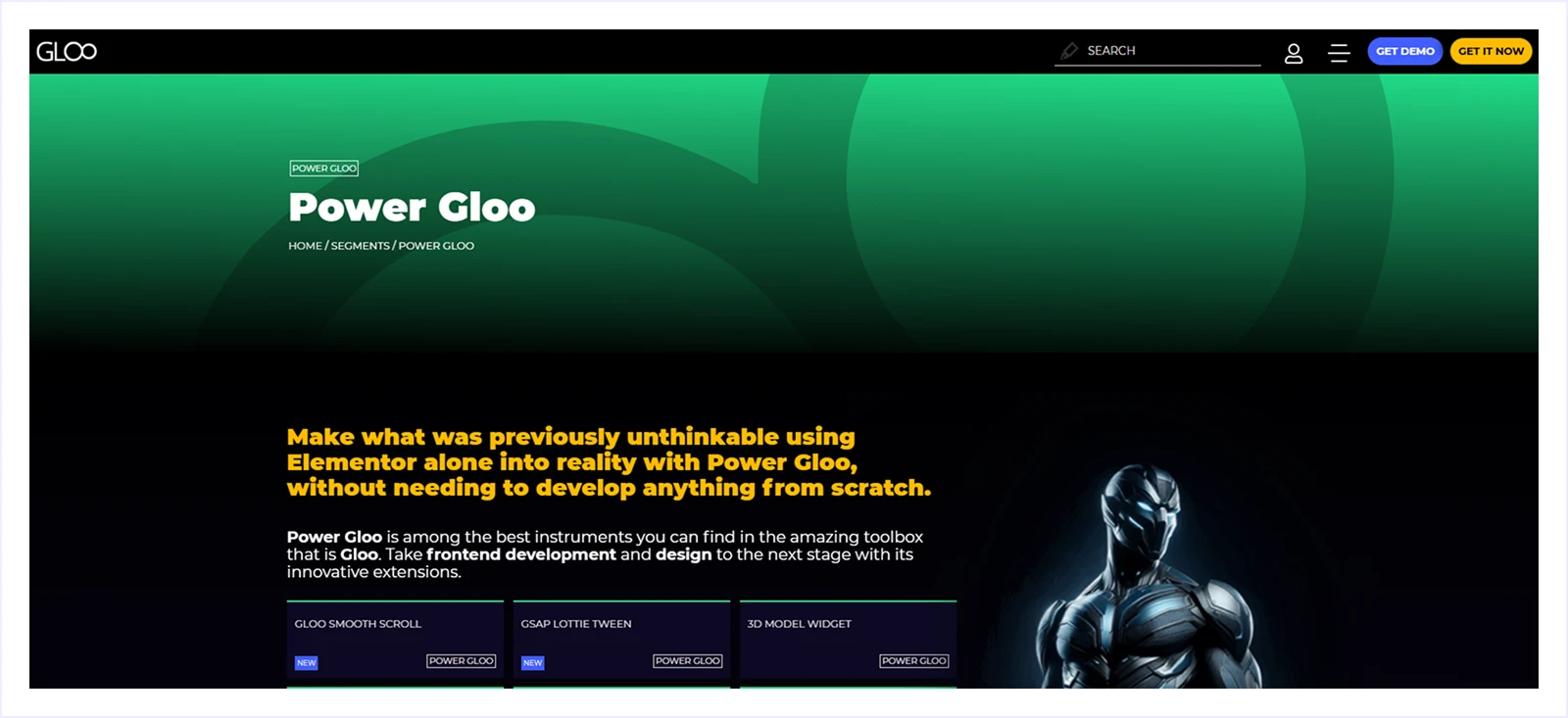
Power Gloo is an advanced Elementor addon designed for creating GSAP-based animations and interactive effects. It adds 19 specialized modules directly inside the Elementor editor, keeping your workflow simple and visual.
You can build complex scroll animations, draggable elements, Lottie-based vector motion, and interactive 3D product demos. Everything works without custom code or external scripts, which speeds up production.
Also, each module includes clear controls for triggers, easing, timelines, and motion paths. That means you can design, adjust, and scale advanced animations without leaving the Elementor editor.
What We Like Most
- 19 pro modules (GSAP ScrollTrigger, Lottie, Draggable+)
- Keyframe animator for custom motion paths
- 3D model + device mockup widgets
- Drag/swipe interactions with inertia
- Typography+ effects (gradient stroke, cutout text)
Pricing
POWER GLOO offers both annual and lifetime plans. The annual plan starts at $79, while the lifetime plan starts at $199, both for a single website.
How to Choose the Right WordPress Animation Plugin
To get the best animation plugin for WordPress to create stunning animations, you should consider these:
- Match Your Page Builder: Always start with the builder you already use. If you work with Gutenberg, plugins like GreenShift or WP Interactions integrate naturally with blocks. For Divi users, DiviMotion is the most suitable option.
- GSAP vs CSS: Choose a CSS-based plugin like GreenShift for lightweight animations and better performance. Select a GSAP-based plugin like DiviMotion if you need advanced motion control, timelines, and complex scroll interactions.
- Check Features You Need: Focus on the animations your design truly requires. Simple hover and scroll effects are often sufficient. Advanced interactions only make sense if your layout depends on them.
- Budget Strategy: Start with a free version to test your workflow. If animations become central to your design strategy, upgrading to a premium plugin is a worthwhile long-term investment.
Besides all of them, you can also consider user experience, performance impact, and how animations affect page load speed.
FAQs on WordPress Plugin for Animation
- What Are WordPress Animation Plugins?
They help to add motion effects like fades, scroll reveals, and hover animations to website elements without coding. With them, you can be able to create animated section, page and more.
- GSAP vs CSS3: Which Performs Better?
When it comes to animation for WordPress, CSS is best for simple, lightweight animations. And GSAP performs better for complex, timeline-based, and interactive animations website.
- Do Animation Plugins Slow Down WordPress Sites?
Not if used properly. Performance depends on plugin quality, optimization, and how many animations you use.
- How Much Do Premium Animation Plugins Cost?
Most premium animation plugins cost between $30 and $80 per year. Some offer lifetime plans.
- Are Animation WordPress Plugins Mobile Responsive?
Yes. Most plugins like DiviMotion support mobile devices and allow disabling animations for better mobile performance.
- Can You Use Multiple Animation Plugins Together?
It’s possible, but not recommended. Using multiple plugins can cause conflicts and slow down your site.
- Will animations work with WooCommerce product pages?
Yes, plugins like Greenshift, DiviMotion, and Animation Addons fully support WooCommerce elements—product images, add-to-cart buttons, and category grids animate smoothly.
- Which animation plugin is best for Divi users?
DiviMotion is purpose-built for Divi, offering native Visual Builder integration with GSAP ScrollTrigger, timelines, and hover effects optimized for all types of Divi elements. It's let's you add GSAP animation in Divi with ease.
Final Thoughts
We only tried to include the WordPress plugins that will bring real value and practical animation features to your website.
So feel free to try any of them that you find suitable for your website animation goals and workflow.
Moreover, if you think we missed a plugin that deserves to be listed in this best WordPress animation plugins guide, do comment. We would be happy to review it and consider adding it in a future update.


0 Comments