


For most WordPress sites, CookieYes or Complianz are good starting points. CookieYes offers scanning, blocking, policy tools, and consent logs through the cloud. Complianz runs on your server and suits sites that need region-specific consent rules.
If you use Divi, DiviFlash Cookie Consent lets you design the banner in the Visual Builder and control which scripts and third-party content wait for consent.
The right choice depends on whether you need a simple banner, full consent management, regional rules, or WP integration.
In this guide, we compare 10+ of the best WordPress cookie consent plugins to help you choose.
Let’s find the right one for your site.
Quick Comparison of the Best Cookie Consent Plugins for WordPress
| Plugin | Pre-Consent Blocking | Cookie Scanner | Consent Logs | Consent Mode v2 | Starting Price |
| DiviFlash Cookie Consent | ✅ | Manual | ✅ | ✅ | $49/year |
| CookieYes | ✅ | Auto | ✅ | ✅ | $10/month |
| Complianz | ✅ | Hybrid | ✅ | ✅ | $59/year |
| Cookie Compliance | ✅ | No built-in scanner | ✅ | ✅ | $14.95/month |
| GDPR Cookie Compliance by Moove | ✅ | Manual | ✅ | ✅ | £59/year |
| iubenda | ✅ | Auto / recurring | ✅ | ✅ | €4.99/month |
| WPConsent | ✅ | Manual + scheduled scans | ✅ | ✅ | $49.50/year |
| Cookiebot by Usercentrics | ✅ | Recurring Auto | ✅ | ✅ | €7/month |
| Real Cookie Banner | ✅ | Service scanner | ✅ | ✅ | €59/year |
| Termly | ✅ | Auto | ✅ | ✅ | $10/month |
| Elementor Cookie Consent | ✅ | Auto | ✅ | ✅ | $49/year |
How We Chose These Cookie Consent Plugins
To keep the comparison fair, we focused on what matters most: script blocking, scanning, consent controls and records, regional rules, Google Consent Mode, WordPress integration, and pricing. We tested several plugins ourselves and verified the rest through official sources.
1. DiviFlash Cookie Consent - Best for Cookie Consent in Divi
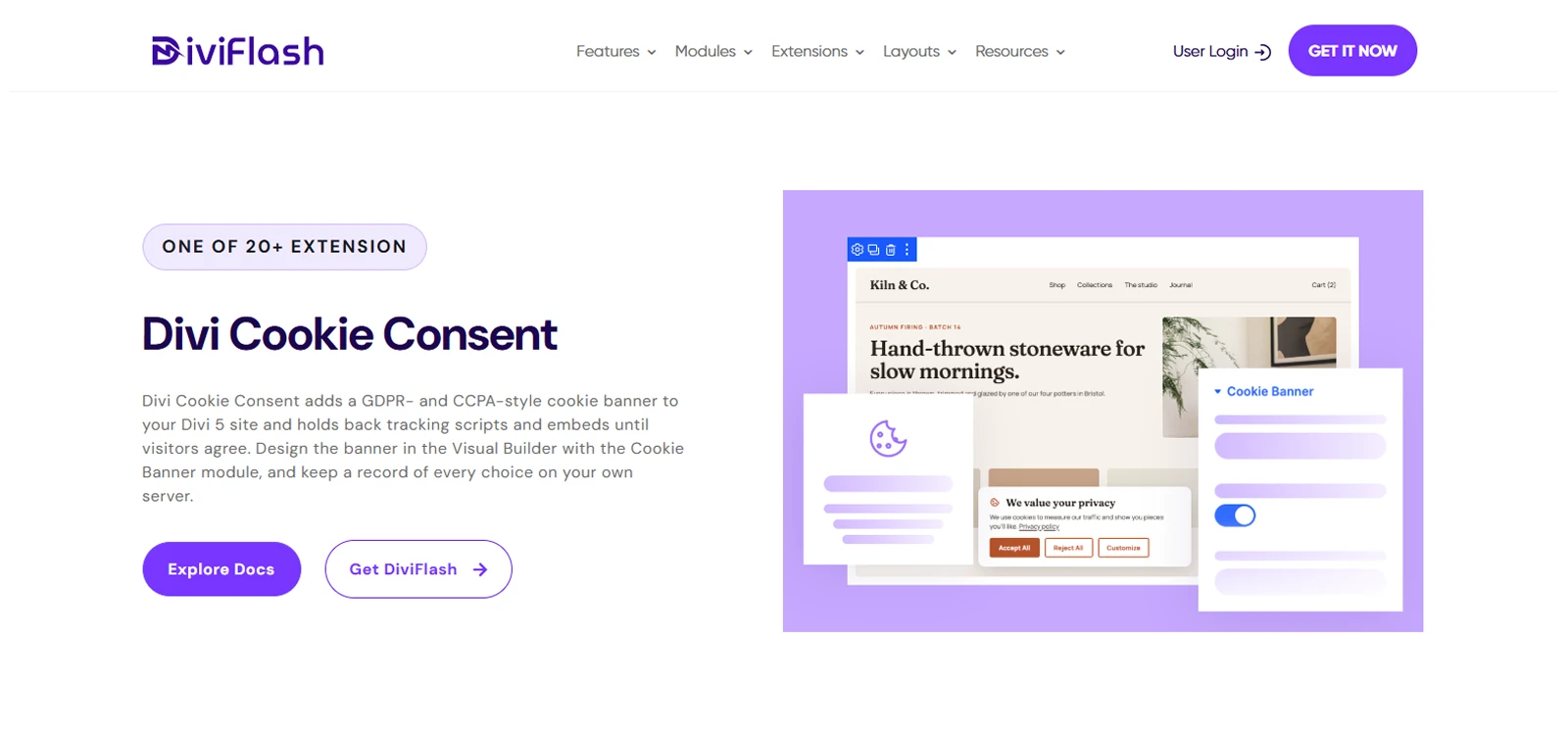
DiviFlash Cookie Consent is made for Divi users who want to design the banner and manage consent in the same workflow.
You can build the banner directly in the Divi Visual Builder with the Cookie Consent module and adjust the text, colors, buttons, spacing, and other design settings.
Once the banner is in place, you can control which managed scripts and third-party content wait for consent. Its script scanner helps find WordPress-loaded scripts on selected pages, so you can assign each one to the right consent category.
Visitors can choose between custom consent categories and reopen their preferences later, while you can keep consent records and set re-consent periods. DiviFlash also works with GPC, DNT, and Google Consent Mode v2 as well.
What We Liked Most
- Let visitors accept, reject, or choose cookie categories.
- Add custom categories like Social Media or Video.
- Add a Cookie Settings link so visitors can change their choice later.
- Review consent choices and export them as CSV.
- Load approved scripts without refreshing the page.
- Require a consent choice before browsing when needed.
What Could Be Better
- Consent behavior cannot automatically change by visitor location.
- Scripts added outside the managed WordPress workflow require separate setup.
Pricing
DiviFlash Cookie Consent is included with DiviFlash, alongside 85+ modules, 25+ extensions, and 800+ section layouts. Plans start at $49/year for one site or $149 for lifetime access.
Who it’s for: Divi site owners who want to manage consent inside their existing Divi workflow, without a separate CMP design process.
Skip it if: You need different consent rules by country or state, or your site isn't built with Divi.
Note: We have a detailed guide on How to Create Cookie Consent in Divi.
2. CookieYes - Best for Quick Cloud-Based Consent Setup
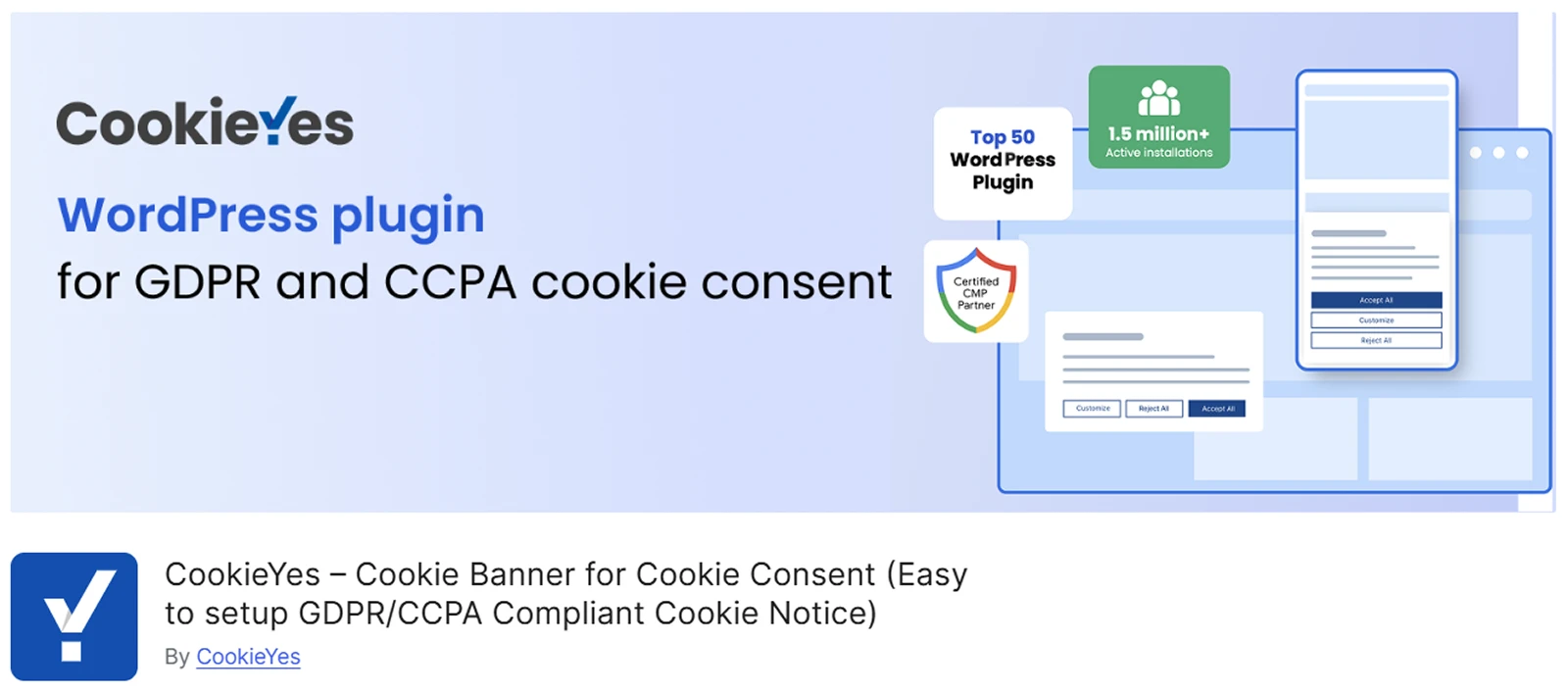
CookieYes is a cloud-based cookie consent plugin built for quick setup. From the WordPress dashboard, you can manage the banner, consent settings, cookie categories, and blocking rules.
For scanning, consent records, and policy management, CookieYes will connect to its cloud dashboard. That means CookieYes handles the heavier work in the cloud, so your WordPress site has less to process.
In terms of day-to-day consent management, CookieYes automates much of the work. It scans and categorizes cookies, blocks non-essential ones until consent, and keeps your cookie list updated.
And the best part is that the free plan already covers the core workflow, including the banner, blocking, scanning, consent logs, and policy generators.
What We Liked Most
- Classify unknown cookies automatically with AI-assisted scanning.
- Pass visitor choices to Google Consent Mode v2.
- Support Microsoft UET Consent Mode for advertising.
- Translate consent banners into 40+ supported languages.
- Add CCPA/CPRA opt-out controls for US visitors.
- Show region-specific banners with geo-targeting on Pro.
What Could Be Better
- Scanning, consent logs and advanced features depend on the CookieYes cloud.
- Free plan is limited to 5,000 monthly pageviews.
- Geo-targeting requires the Pro plan or higher.
Pricing
CookieYes has a free plan with core consent features. Paid plans start at $10/month per domain, with higher tiers adding geo-targeting, scheduled scans, scans behind login, and larger usage limits.
Who it’s for: WordPress site owners who want automatic scanning, blocking, and consent management without handling everything manually.
Skip it if: You want consent management kept entirely inside WordPress or prefer pricing that does not scale with traffic.
3. Complianz - Best for Multi-Region Consent Management
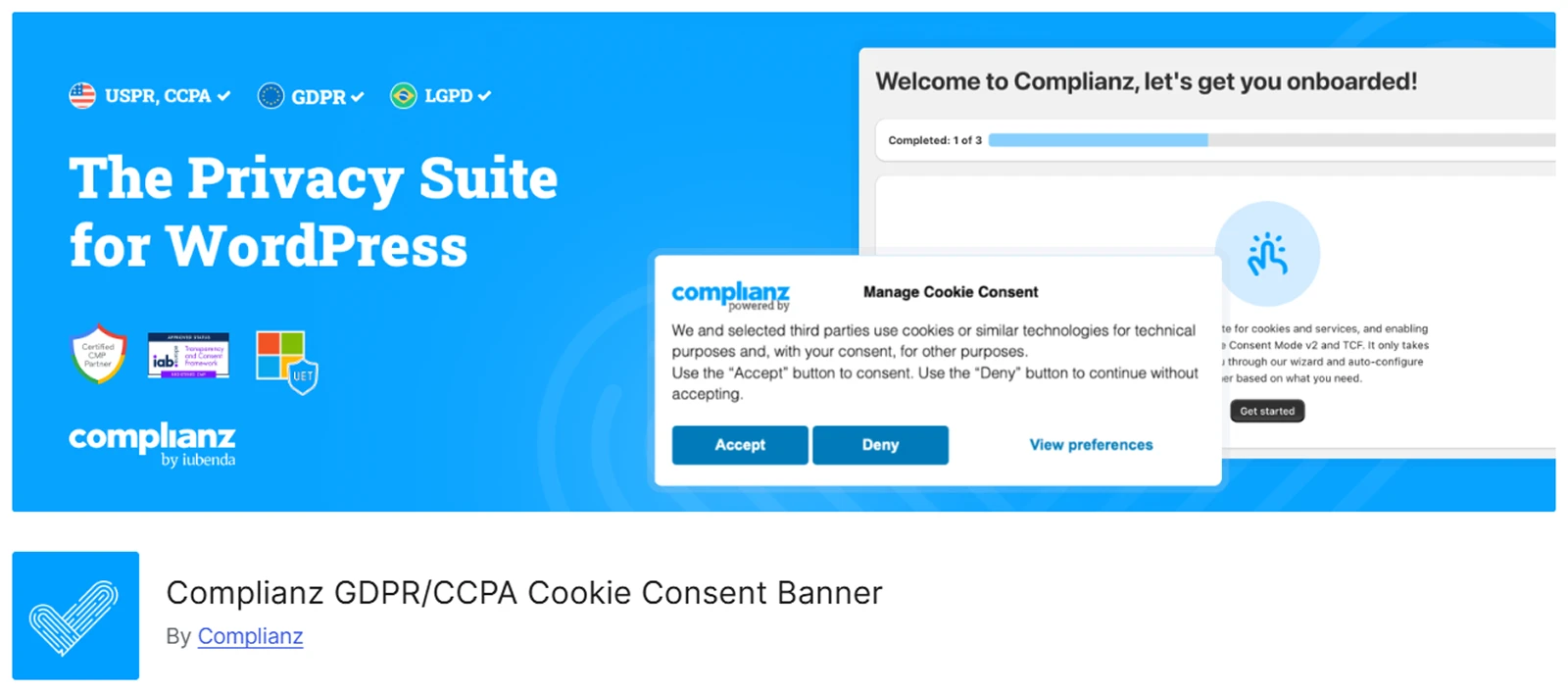
Complianz is a Google-certified consent platform with a WordPress plugin. It brings cookie scanning, consent banners, blocking, and legal-documents in one workflow.
Getting started is simple with its guided wizard. It asks about your site, scans for cookies and services, then configures consent settings based on your setup and selected region.
Regional control is Complianz’s key strength. Premium users can show different banners for the EU, UK, US, Canada, and more, while also supporting specific US state privacy laws.
Complianz also handles other consent-related elements across your site. It can block third-party content, scripts, and iframes until consent is given, and generate a Cookie Policy based on your site’s configuration.
What We Liked Most
- Show placeholders instead of leaving blocked embeds completely blank.
- Connect with 250+ WordPress plugins and third-party services.
- Choose different banner types and customize them with CSS.
- No monthly pageview or session limits on free or paid plans.
- Pass consent choices to Google Consent Mode v2.
- Respect Global Privacy Control and Do Not Track signals.
- A/B test different consent banners to see which performs better.
What Could Be Better
- Automatic geo-based consent rules require the Premium version.
- The guided setup takes more time than simpler banner-only plugins.
- Consent records, Consent Mode, and several advanced tools are Premium-only.
Pricing
Complianz has a free version for basic consent management. Premium starts at $59/year for one site, adding multi-region consent, legal documents, consent records, and Google Consent Mode.
Who it’s for: Website owners with international visitors who need region-specific consent rules and more control inside WordPress.
Skip it if: You want a quicker setup or need Google Consent Mode v2 for free.
4. Cookie Compliance - Best for Flexible Consent Setup
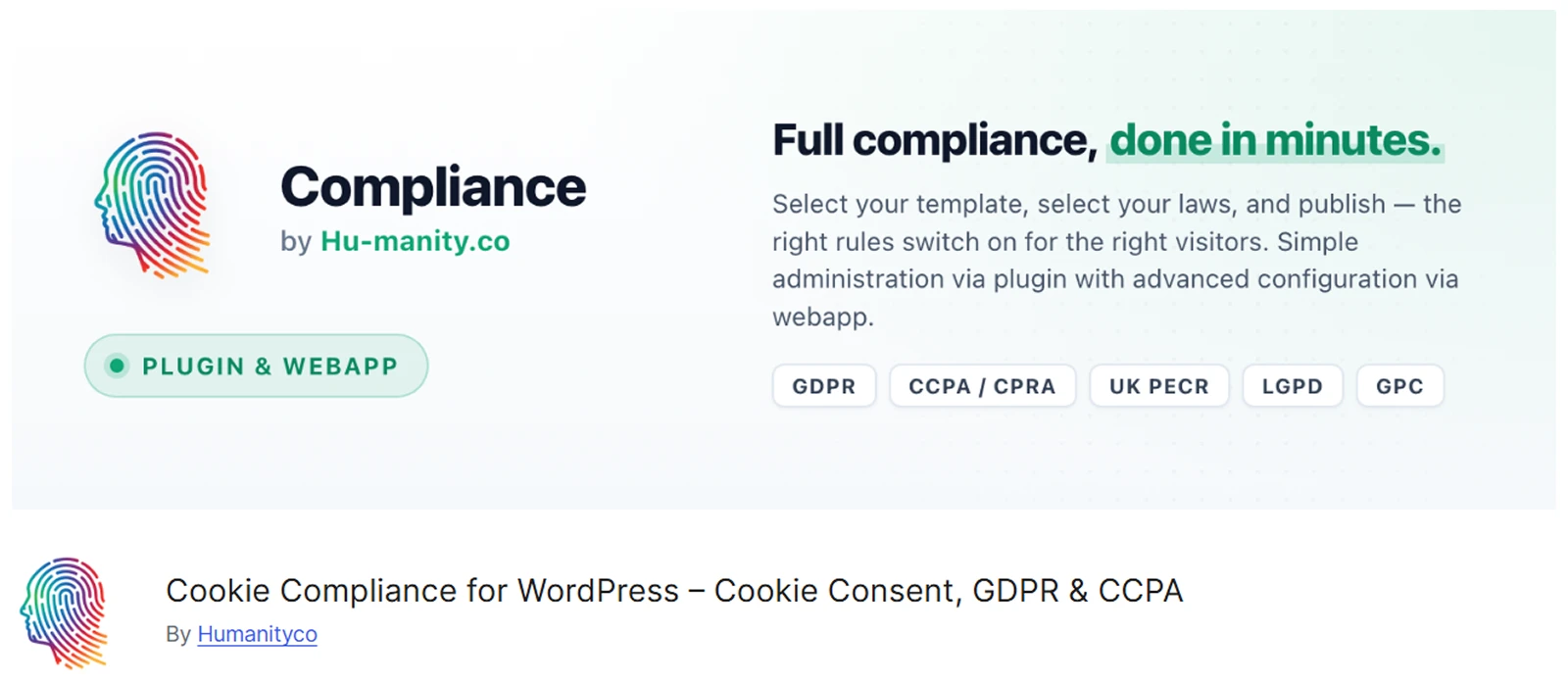
Cookie Compliance for WordPress gives you two ways to manage consent: Banner Only mode and Connected mode.
Banner Only works without an account and keeps things simple. You get the consent banner, accept and reject controls, expiry settings, and other basic options directly inside WordPress.
Connected mode links the plugin to the Cookie Compliance platform and adds the deeper consent tools. These include automatic script blocking, cookie categories, consent records, analytics, multilingual banners, and Google, Meta, and Microsoft consent integrations.
What really sets it apart is its Intentional Consent approach. Instead of pushing visitors toward acceptance, connected banners can offer equal choices to accept none, some, or all data access.
What We Liked Most
- Let visitors choose how long their consent remains valid.
- Show allowed and blocked third parties directly inside the banner.
- Track consent activity and a trust score from the dashboard.
- Gate compatible plugins through WP Consent API, even in Banner Only mode.
- Keep searchable consent records for proof when needed.
- Process account and consent data in EU-based data centers.
What Could Be Better
- Banner Only mode cannot automatically block tracking scripts.
- It does not generate privacy or cookie policy documents.
Pricing
Cookie Compliance has a free Basic plan with 1,000 monthly visits. Professional starts at $14.95/month, adding unlimited visits, lifetime consent storage, and advanced controls.
Who it’s for: Site owners who want flexible consent controls, clear visitor choices, and cloud-based consent records.
Skip it if: You run one site and want long-term consent storage, CSV exports or a policy generator without paying, or you need consent data kept on your own server.
5. GDPR Cookie Compliance by Moove - Best for Banner Customization
GDPR Cookie Compliance by Moove is a good fit if you want more control over how your banner looks and how consent is handled.
You can customize the logo, colors, fonts, text, button order, and consent expiry. Developers can go further by creating a custom front-end layout that remains intact after plugin updates.
That same flexibility carries into consent handling. You decide which scripts can load immediately and which must wait until visitors agree. It also integrates with Google Tag Manager, Google Analytics, Meta Pixel, and GTM4WP, with Google Consent Mode v2 support.
Also, all user data stays on your own website, which gives you more control over how consent information is stored.
What We Liked Most
- Reorder the Accept, Reject, Close, and Settings buttons.
- Trigger Accept, Reject, or cookie settings from any link or button.
- Let visitors revoke their consent whenever needed.
- Set how long a visitor’s consent remains valid.
- Delay banner initialization when your setup requires it.
- Translate banners with WPML, Polylang, TranslatePress, and other supported tools.
What Could Be Better
- It does not automatically scan and categorize every cookie on your site.
- Consent logs and GeoIP targeting require the Premium add-on.
- Third-party iframe blocking is also limited to Premium.
Pricing
The core plugin is free. Premium starts at £59/year for one site, with unlimited pageviews and sessions.
Who it's for: Site owners and developers who want a free, highly customizable banner and are comfortable setting up their scripts by hand.
Skip it if: You want automatic cookie scanning and categorization with minimal manual setup.
6. Iubenda - Best for All-in-One Privacy Management
iubenda is a cloud-based compliance platform that combines cookie consent with legal document generation and consent records. Its WordPress plugin scans your site and helps configure the setup around the services it detects.
For cookie consent, it can block supported third-party scripts until permission is given, then reactivate them without reloading the page. It also supports location-based rules, so consent requirements can change depending on where visitors are located.
Beyond cookies, iubenda can generate privacy and cookie policies, Terms and Conditions, and store consent records from forms such as Contact Form 7, WPForms, and more.
What We Liked Most
- Support Google Consent Mode in both Basic and Advanced implementations.
- Integrate with IAB TCF for websites using advertising networks.
- Give visitors granular control over individual cookie categories.
- Auto-update legal documents as supported requirements change.
- Show CCPA/CPRA notices with an opt-out link.
- Use consent interfaces iubenda describes as WCAG Level AAA compliant.
What Could Be Better
- The free plan is limited to 5,000 pageviews per month. Once reached, the banner is disabled until usage resets.
- Free users get only one language, with no geolocation-based consent or detailed analytics.
- Each website requires its own plan, which can become costly for multiple sites.
Pricing
iubenda has a free plan for up to 5,000 monthly pageviews. Paid plans start at €4.99/month per site when billed yearly, with Essentials covering up to 25,000 pageviews.
Who it’s for: Site owners who want cookie consent, legal documents, and broader privacy tools in one platform.
Skip it if: You manage many sites on a tight budget or want consent data handled entirely on your own server.
7. WPConsent - Best for Self-Hosted Consent Management
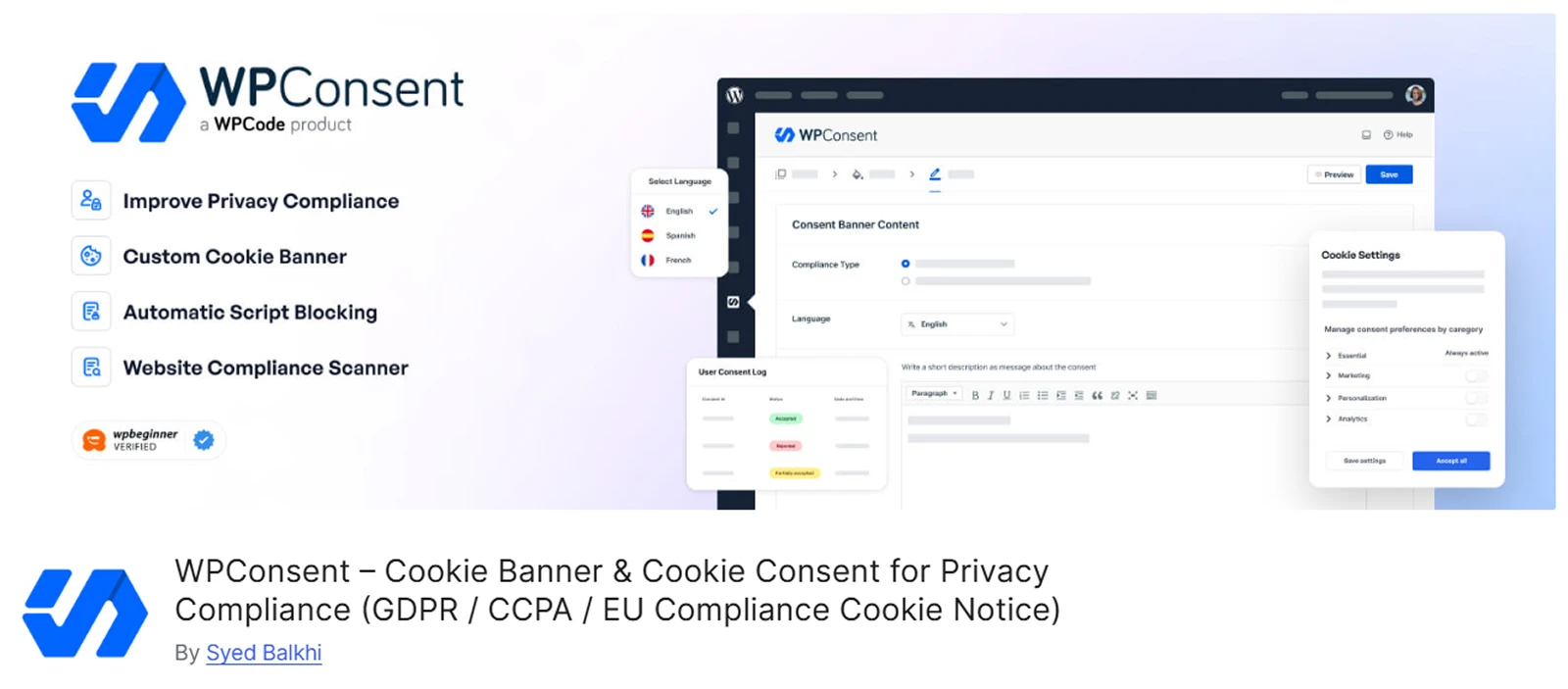
WPConsent is built for users who want to manage cookie consent directly on their own site. It doesn’t charge based on traffic, and any consent logs you keep stay in your WordPress database.
Its built-in scanner finds the cookies and services running on your site, then organizes them by category, purpose, and duration.
From there, WPConsent can block tracking tools like Google Analytics, Meta Pixel, and Microsoft Clarity until visitors consent. It can also hold back YouTube, reCAPTCHA, and other embedded content. Using that cookie data, it can also generate a Cookie Policy with a live cookie table.
What We Liked Most
- Customize the banner with multiple layouts, colors, logos, and button styles.
- Pass consent choices to Google Consent Mode v2 and Microsoft Clarity.
- Respect Global Privacy Control signals automatically.
- Let visitors approve or block individual tracking services.
- Inspect cookies live with the fresh-visitor Cookie Inspector.
- Share consent states with compatible plugins through WP Consent API.
What Could Be Better
- Consent logs for proving visitor choices require Pro.
- Regional banners and automatic translations are Pro-only.
- Scheduled scans and IAB TCF v2.3 also require Pro.
Pricing
WPConsent has a free Lite version. Pro starts at $49.50/year for one site at the listed introductory price, with renewals at the regular rate.
Who it’s for: WordPress users who want self-hosted consent records, automatic blocking, and no pageview-based pricing.
Skip it if: You need regional banners, consent logs, or automatic translations without upgrading to Pro.
8. Cookiebot by Usercentrics - Best for Automated Consent Management at Scale
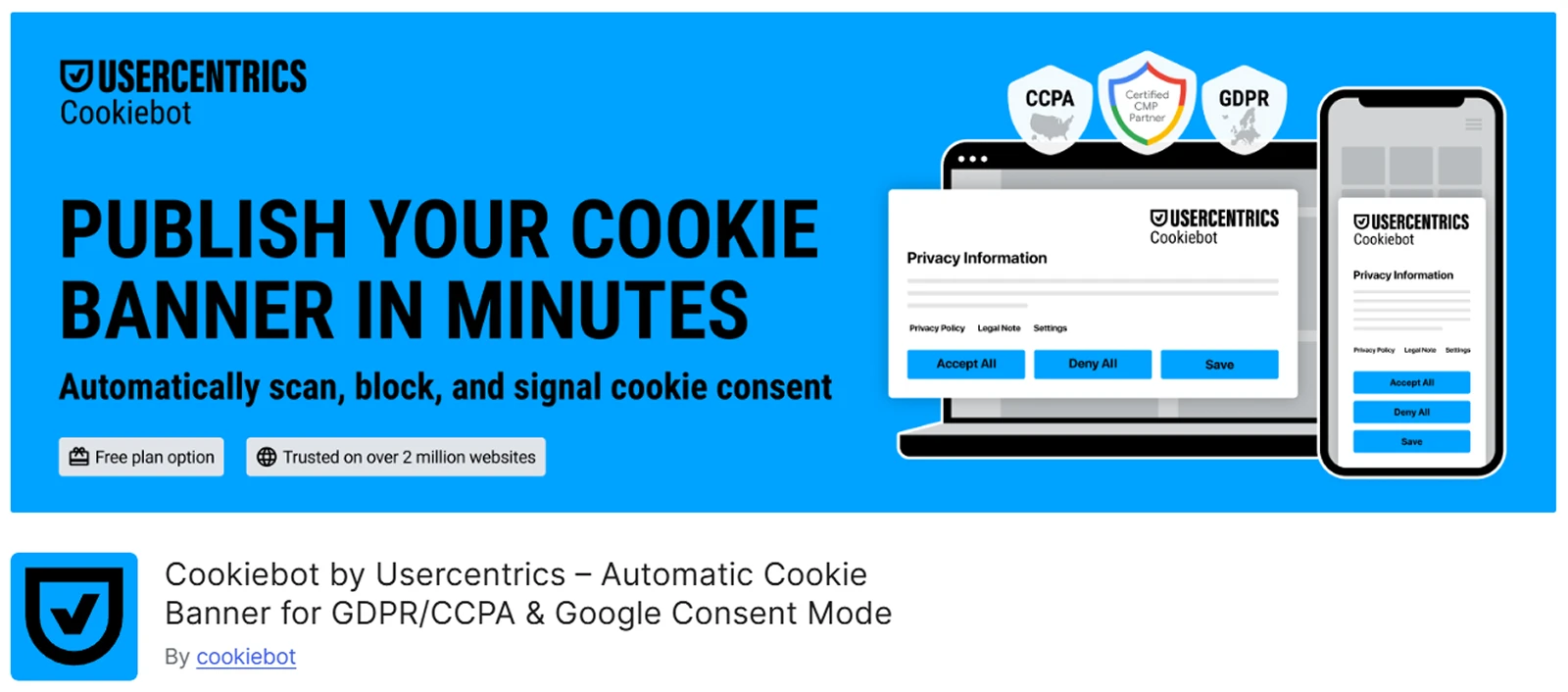
Cookiebot by Usercentrics is a Google-certified consent platform built around automation. Once connected, it handles cookie scanning, blocking, and consent management through the Cookiebot cloud.
Its scanner regularly crawls your site, detects cookies and trackers, and keeps your cookie declaration updated. For blocking, Automatic mode handles prior consent for you, while Manual mode gives developers more control.
You can also customize the banner with your colors, logo, fonts, and layout. Premium plans add region-based banners, advanced reporting, and support for 47+ languages.
Cookiebot also works well with advertising setups, supporting Google Consent Mode and other consent signals while keeping auditable consent records.
What We Liked Most
- Support Google Consent Mode with Google-certified consent management.
- Use IAB TCF for programmatic advertising consent.
- Show different banner configurations by country or region.
- Share consent states through WP Consent API integration.
- Keep auditable records of visitor consent.
- Integrate with popular analytics, marketing, and ecommerce tools.
What Could Be Better
- The free plan supports only one domain and 50 subpages.
- Scanning and consent management depend on Cookiebot's cloud platform.
- Each domain is evaluated and billed separately.
Pricing
Cookiebot has a free plan for one domain with up to 50 subpages. Premium starts at €7/month per domain, with higher tiers based on the number of subpages. Cookiebot does not charge based on traffic.
Who it’s for: Growing websites and publishers that want automated scanning, blocking, regional controls, and strong advertising integrations.
Skip it if: You want consent management stored entirely on your own server or prefer flat pricing regardless of site size.
9. Real Cookie Banner - Best for Detailed Content Blocking
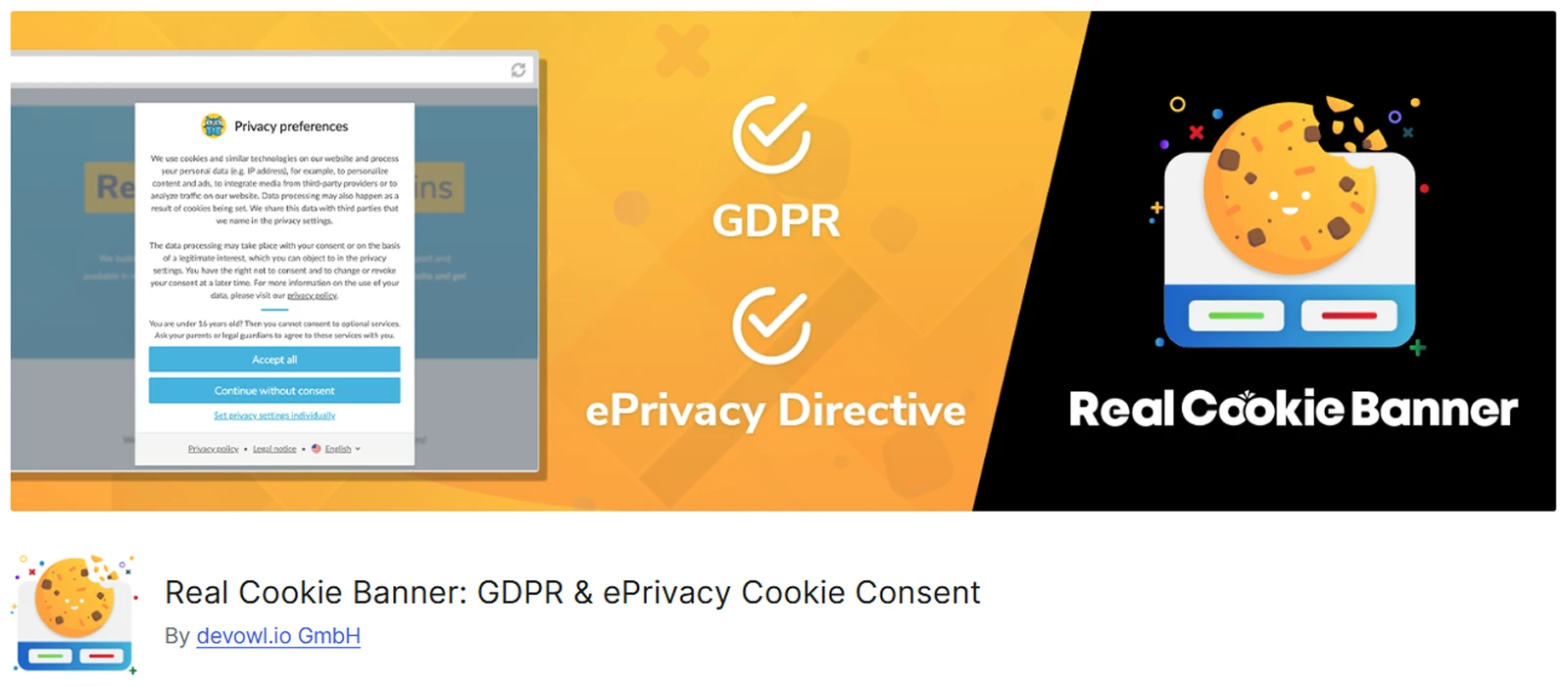
Real Cookie Banner keeps the consent process inside WordPress, including consent records, so you do not have to rely on a separate cloud platform.
Content blocking is where it stands out. It can stop scripts, styles, fonts, and embedded content from loading before consent, then load approved content once the visitor gives permission. For blocked embeds, it can also show a placeholder instead of leaving an empty space.
Getting things up and running is simple, too. The plugin runs an initial scan to flag services that may need consent, then walks you through a simple checklist to configure everything.
The free version covers the core consent workflow. And the pro version adds ready-made templates and more advanced blocking and consent controls.
What We Liked Most
- Use 160+ service and 130+ content-blocker templates with Pro.
- Customize banners with 20+ templates and 200+ design options.
- Check banner accessibility against WCAG 2.2 AA guidance.
- Translate banners through WPML, Polylang, TranslatePress, and Weglot.
- Support Google Consent Mode and IAB TCF with Pro.
- Show regional banners and forward consent across sites with Pro.
What Could Be Better
- Most ready-made service and blocker templates require Pro.
- Google Consent Mode, TCF, and geo-restriction are Pro features.
- Setup is more hands-on, and correct configuration remains your responsibility.
Pricing
Real Cookie Banner has a free version. Pro starts at €59/year for one site, with larger plans available up to 25 sites. Pricing is per website with unlimited pageviews and sessions.
Who it’s for: WordPress site owners, especially those with EU audiences, who want fine control over what loads before consent and prefer to keep consent data on their own server.
Skip it if: You want a simple, cloud-based setup with minimal configuration.
10. Termly - Best for Cookie Consent & Policy Generators
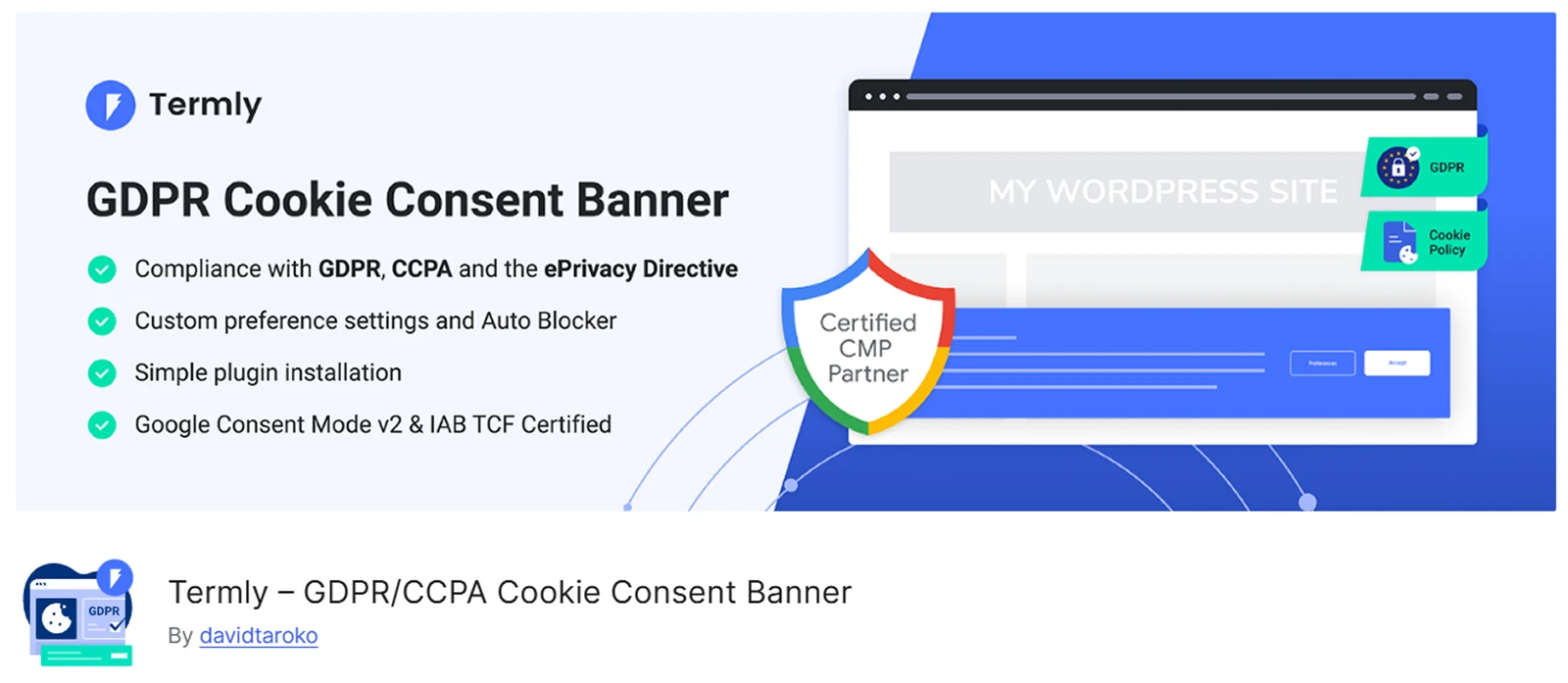
Termly is useful if you want cookie consent and basic legal documents in one place. Along with the consent banner, it can help you create a privacy policy, disclaimers, Terms and Conditions, and a cookie policy page for your site.
Its scanner checks your site for cookies and trackers, then sorts them into categories. Termly then uses those results to set up the consent banner and keep your cookie policy updated.
For blocking, Termly’s Auto Blocker can hold supported tracking scripts until visitors give permission. It also supports regional rules, multiple languages, Google Consent Mode v2, and IAB TCF, so it can handle more complex setups as your site grows.
What We Liked Most
- Integrate with Google Consent Mode v2 and Google Tag Manager.
- Choose a bar, corner tooltip, or full-screen banner layout.
- Configure consent requirements for more than 70 regions.
- Translate consent banners into 18 supported languages on Pro+.
- Use IAB TCF with supported advertising vendors on Pro+.
- Access privacy policy, disclaimer, and Terms and Conditions generators.
What Could Be Better
- Consent logs, regional rules, and multilingual banners require Pro+.
- The free plan includes one basic legal policy and Termly branding.
- Pricing applies per website, which can get expensive across several sites.
Pricing
Termly has Free, Starter, and Pro+ plans. Starter starts at $10/month per website when billed annually, while Pro+ starts at $15/month annually and includes unlimited banner views.
Who it’s for: Site owners who want a cookie consent banner and their privacy policy, disclaimers and terms from one tool, and who are comfortable using a cloud account.
Skip it if: You run several sites on a tight budget, need consent logs or regional rules without paying for Pro+, or want consent data kept on your own server.
11. Elementor Cookie Consent - Best for Elementor Users
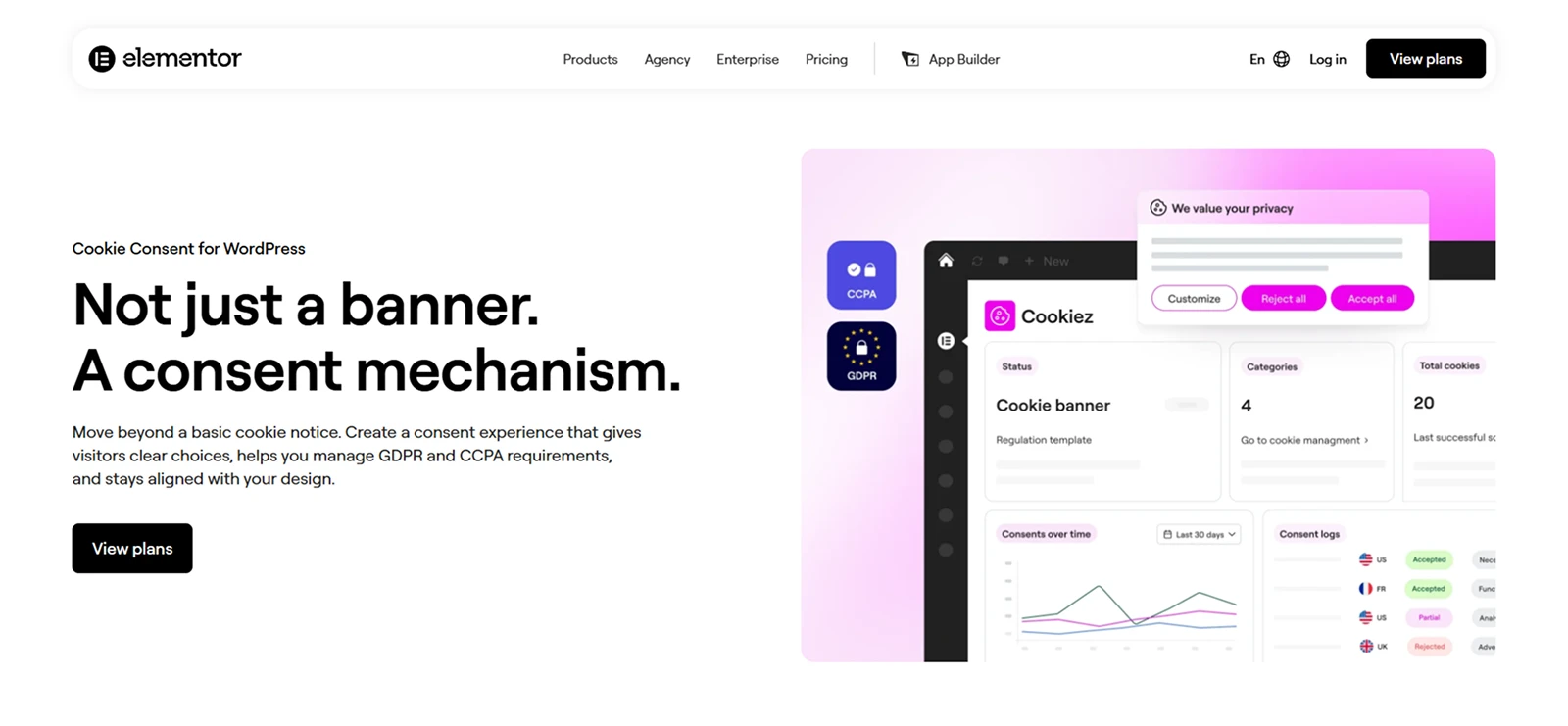
If you already build sites with Elementor, Cookie Consent fits naturally into that workflow. You can manage consent from WordPress, while Elementor Pro users can design the banner directly in the Elementor Editor.
From there, you choose a consent approach, such as GDPR opt-in, CCPA opt-out, or Adaptive Consent. Then, you scan your site to find and categorize cookies before reviewing the results and publishing the banner.
It can also block non-essential scripts based on visitor choices, keep consent records, respect GPC and DNT signals, and work with Google Consent Mode v2. Overall, it’s a convenient choice for Elementor users, but less useful if your site runs on another builder.
What We Liked Most
- Honor GPC and Do Not Track signals automatically.
- Export consent records as CSV files when proof is needed.
- Apply visitor choices to non-essential scripts automatically.
- Reuse banner templates across Elementor projects.
- Control where the banner appears with display conditions.
- Support keyboard navigation and screen readers.
What Could Be Better
- Geo-targeting requires Elementor One.
- IAB TCF support is still listed as coming soon.
- Free usage is limited to 800 monthly consents and 25 scanned pages.
Pricing
Cookiez has a free plan for one site, including 800 monthly consents, 25 scanned pages, and 30-day consent log retention. It is also available through Elementor One.
Who it’s for: Elementor users, who want to design the consent banner in the editor they already use, and manage consent for several client sites under one subscription.
Skip it if: You use another page builder or need IAB TCF support today.
What to Look for in a Cookie Consent Plugin
A good cookie plugin should do more than put a banner on your site. It should help you control tracking properly, give visitors clear choices, and make the whole process manageable from your WordPress setup.
Here are the main things worth checking:
- Consent and blocking: Make sure visitors can accept, reject, or manage categories, and that non-essential tracking stays blocked when required.
- Scanning and consent records: A scanner can help you find cookies and tracking services, while consent records are useful if you need proof of visitor choices.
- Regional support: If your site gets traffic from different countries, look for rules that can change the consent experience based on visitor location.
- Google and WordPress integration: Google Consent Mode and WP Consent API support can make it easier to connect consent choices with the tools already running on your site.
- Design and setup: The banner should fit your WordPress website design, but it should also be easy to configure and manage without creating extra work.
- Data handling and performance: Check whether consent data is stored inside WordPress or through a cloud platform, and whether the plugin adds unnecessary load to your site.
- Pricing and limits: Look beyond the starting price and check site limits, traffic limits, language support, and which features require a paid plan.
FAQ
What is a WordPress cookie consent plugin?
A WordPress cookie consent plugin shows a banner asking visitors for permission, holds back tracking scripts until they agree, and records their choices, helping your site meet privacy laws like GDPR and CCPA.
Do I need a cookie consent plugin for WordPress?
You may need one if your site uses analytics, ads, tracking pixels, or other non-essential cookies. Requirements depend on your visitors and data practices.
What is the difference between a cookie notice or banner and a CMP?
A banner collects visitor choices. A CMP can also scan cookies, block tracking, store consent records, and manage consent rules.
Should cookies be blocked before visitors give consent?
Under opt-in rules such as GDPR, non-essential cookies generally should wait for consent. Necessary cookies can still run.
Does a cookie consent plugin make my site GDPR compliant?
No. A cookie consent plugin can support GDPR compliance, but compliance also depends on your setup, data collection, third-party services, and applicable privacy requirements.
What is Google Consent Mode v2?
Google Consent Mode v2 lets Google tags adjust their behavior based on a visitor’s consent choices. It works alongside your consent banner.
What is the best free cookie consent plugin for WordPress?
CookieYes is a strong free option for automated scanning and blocking, while Complianz works well if you prefer a more WordPress-focused setup. The best choice depends on which features you need without upgrading.
Final Thoughts: Which WordPress Cookie Consent Plugin Should You Choose?
The best cookie consent plugin is not the one with the longest feature list. It’s the one that fits how your site tracks visitors, stores consent, and handles privacy requirements.
A simple way to narrow your options:
- Divi websites: DiviFlash Cookie Consent
- Quick cloud-based setup: CookieYes
- Multi-region consent: Complianz
- Self-hosted consent records: WPConsent
- Automated scanning at scale: Cookiebot
- Consent plus legal documents: iubenda or Termly
- Elementor websites: Elementor Cookie Consent
After setup, test your site in a private window. Check that tracking, embeds, and essential features behave correctly before and after consent. And remember, no plugin guarantees legal compliance by itself. Your requirements still depend on what your site collects and where your visitors are located.


0 Comments