
DiviFlash WPForms Styler module allows you to style and customize the appearance of your WPForms directly within the Divi Builder.
Let’s see the settings in brief and how to make better use of it —
Note: Before using the WPForms Styler module, you must install and activate the WPForms plugin.
Content Tab
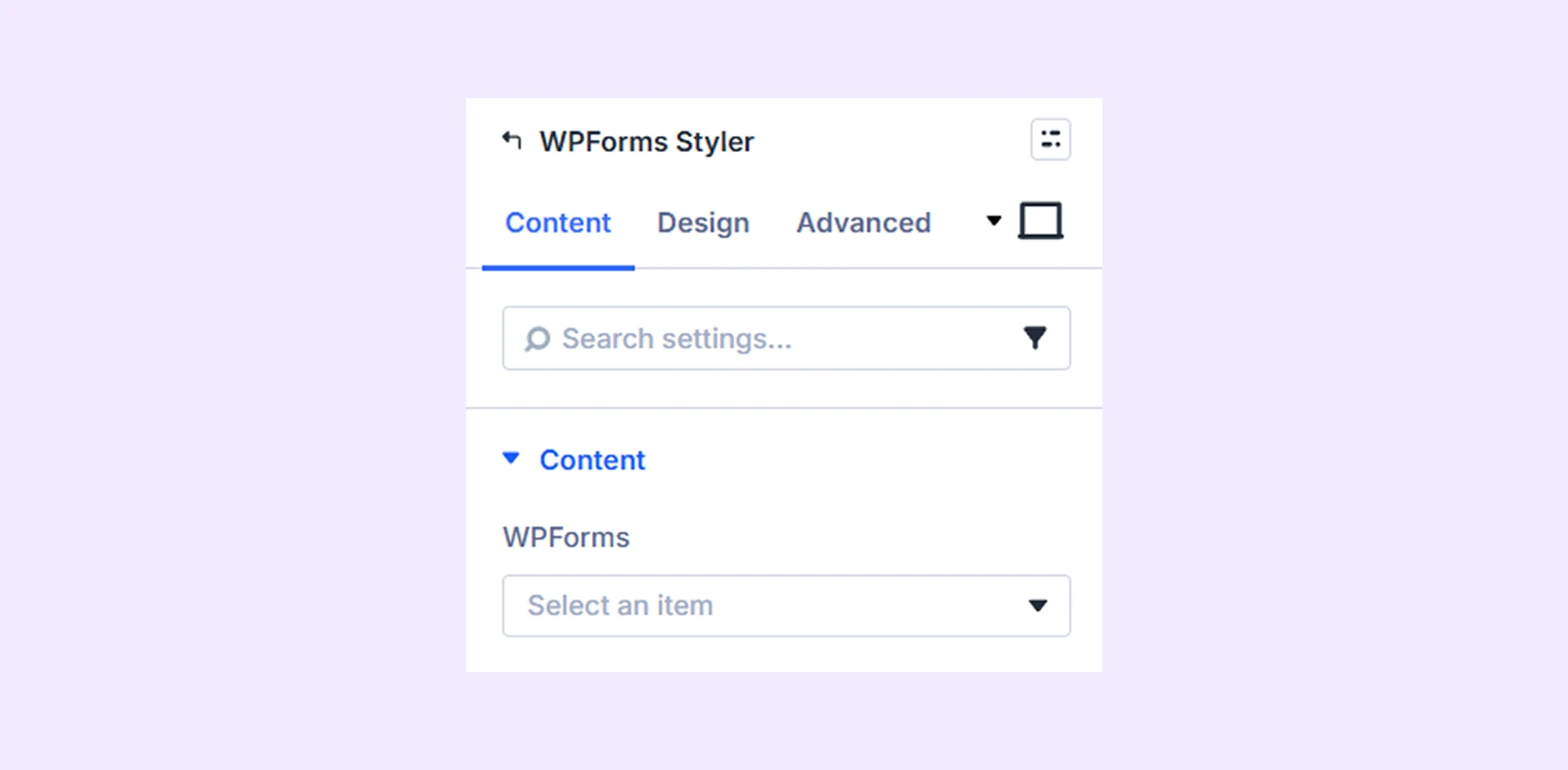
This tab contains the settings for selecting and styling your WPForms form.
Content
WPForms: Select the form you want to style. You must create at least one form in WPForms before using this module.
Input & Textarea Background: Add a background color, gradient, or image to all input and textarea fields in the form.
Button Background: Add a background color, gradient, or image to the submit button of the form.
Background: Add a background color, gradient, image, video, pattern, or mask to the module.
Element Label: Rename the module to organize it more easily in the Divi Builder. (Only you can see this label.)
Design Tab
Use this tab to customize the visual appearance of the form elements.
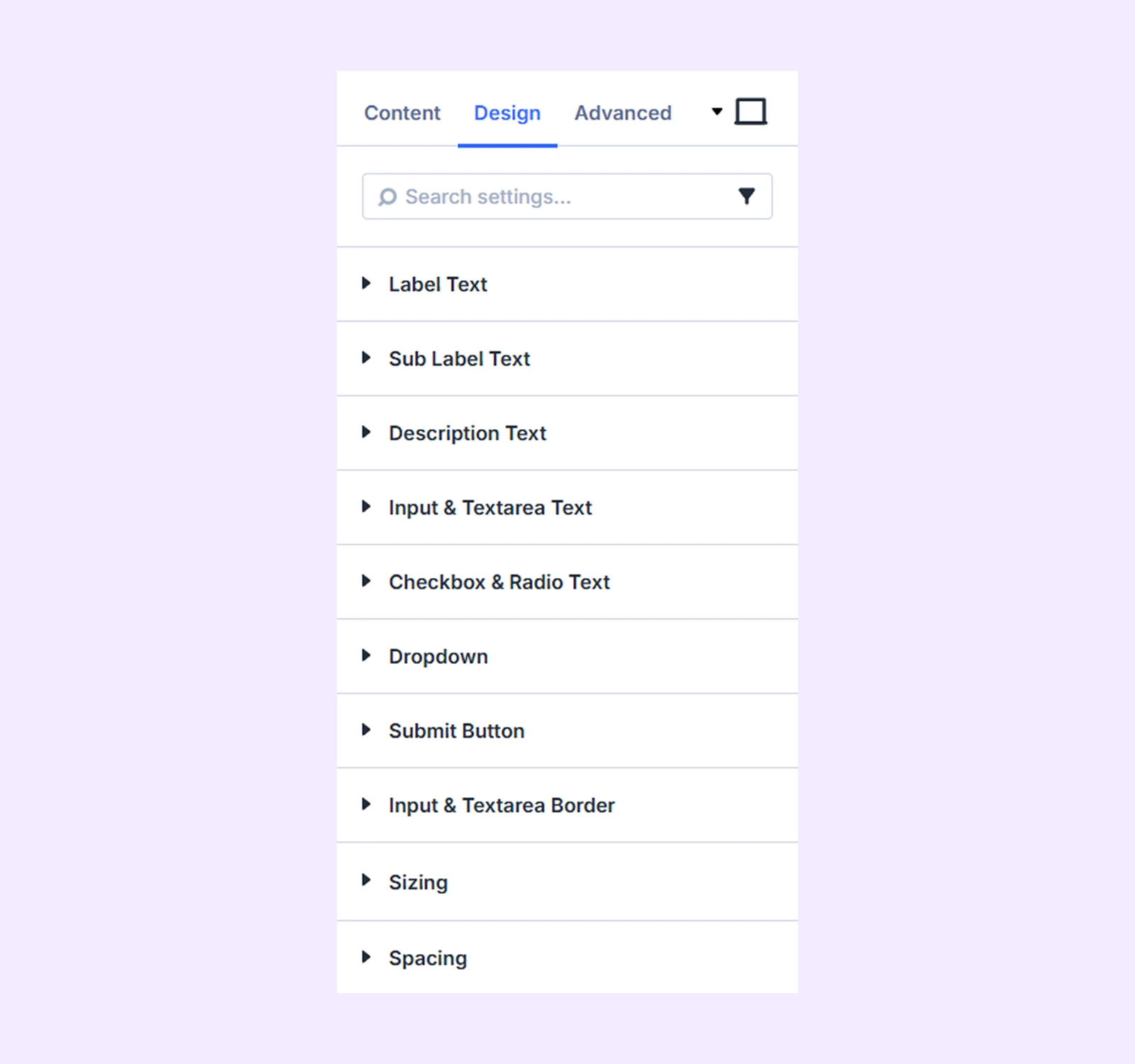
Label Text: Customize the typography of all form field labels.
Sub Label Text: Customize the typography of sub-labels used in form fields.
Description Text: Customize the typography of form field descriptions.
Input and Textarea Text: Customize the typography of the text entered into input and textarea fields.
Checkbox and Radio Text: Customize the typography of checkbox and radio button labels.
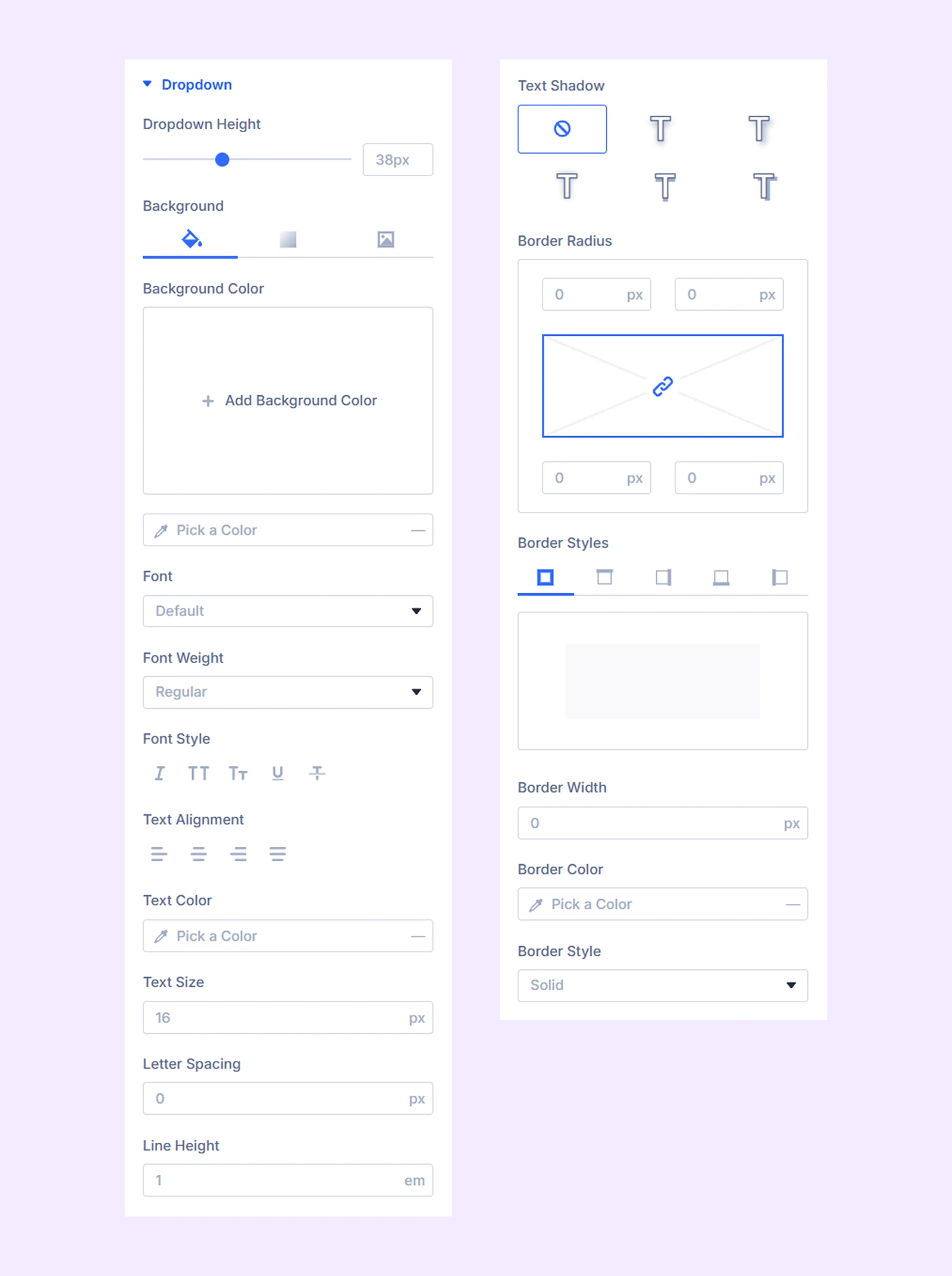
Dropdown
- Dropdown Height: Adjust the height of dropdown menus in the form.
Additional options allow you to customize the background and typography of dropdown elements.
Submit Button: Alignment, background, typography, and border settings for the submit button.
Input & Textarea Border: Customize the border settings of all input and textarea fields.
Sizing: Adjust the width, height, and alignment of the module.
Spacing: Adjust the margins and padding of the module container.
Advanced Tab
This tab provides additional settings for advanced users who want greater control over the module with custom code, conditions, and more.
Need Help?
If you have any questions or need assistance, contact our support team: [email protected]