
The DiviFlash Per-Module CSS extension loads a shared stylesheet and styles for only the DiviFlash modules used on a page. It supports modules in page content, Theme Builder templates, and mega menus, helping reduce CSS downloads on pages using a small selection of DiviFlash modules.
Important Note
- Per-Module CSS requires DiviFlash 5.9.0 or later and Divi 5.
- It controls DiviFlash styles. Divi’s own styles and other plugins’ styles follow their existing loading behaviour.
How to Enable Per-Module CSS
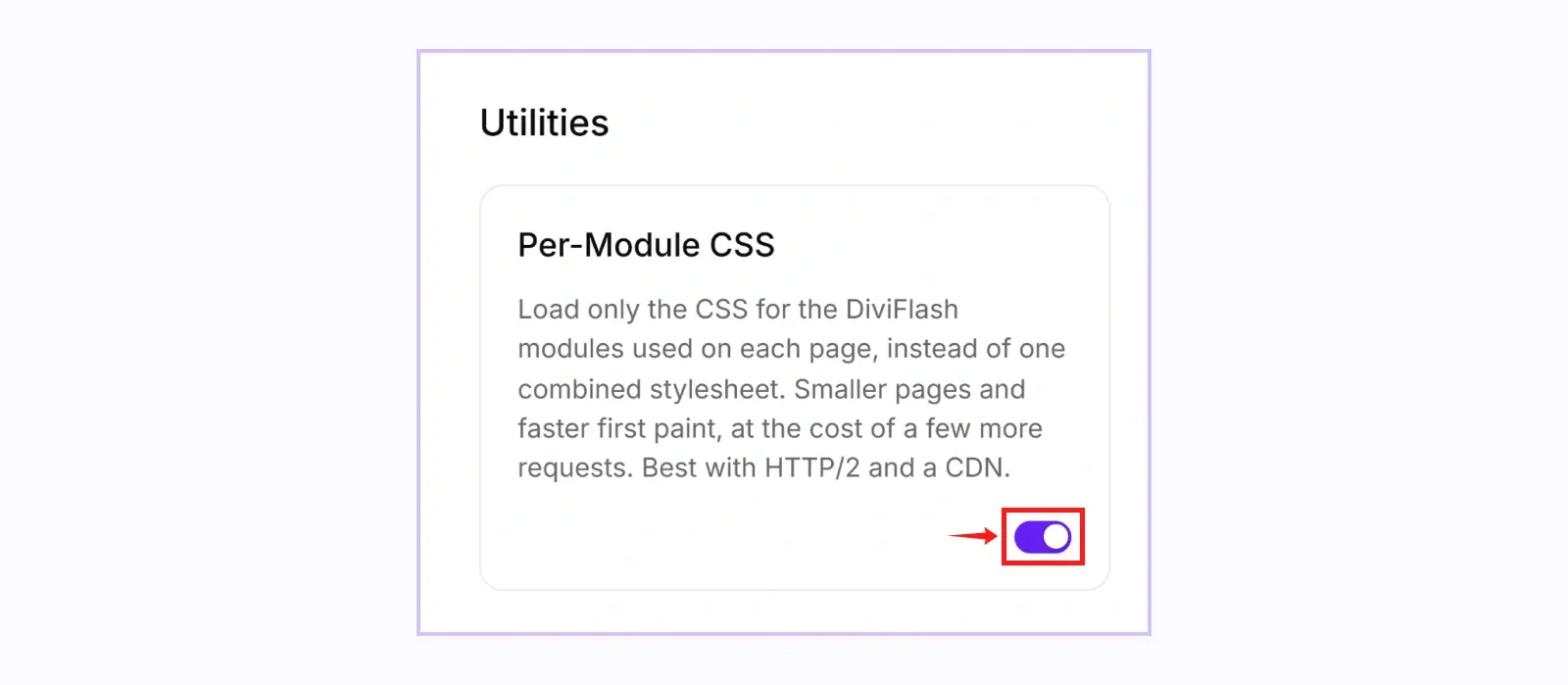
- Go to WordPress Dashboard > DiviFlash > Extensions.
- Find Utilities and enable Per-Module CSS.
There are no other settings. If you use a caching or optimization plugin that combines CSS files, clear its cache after changing this setting. Clear your CDN cache too, if you use one.
How Per-Module CSS Works
- Disabled: Each page loads one combined stylesheet containing all DiviFlash module styles.
- Enabled: Each page loads a small shared stylesheet plus the CSS for the DiviFlash modules it uses.
The extension detects DiviFlash modules in:
- Page content.
- Theme Builder headers, footers, and body layouts.
- Mega menus and other areas outside the main page content.
Extra carousel and gallery styles load only on pages that use those modules.
What to Expect
- Less CSS on simpler pages: Pages with fewer DiviFlash modules can download less CSS.
- More, smaller files: Instead of one large stylesheet, a page loads several small ones. This works best on hosting that supports HTTP/2 or HTTP/3, ideally with a CDN. On older HTTP/1.1 hosting, the extra files can cost more than they save.
- Smaller savings on module-heavy pages: Pages that use many DiviFlash modules may see a smaller reduction.
- Full styles in the Visual Builder: The Visual Builder always loads all DiviFlash styles, so editing is unaffected. Preview the frontend to see the extension's effect.
Troubleshooting
If a page looks unstyled after you turn Per-Module CSS on, clear your site cache, any optimization plugin's cache and your CDN cache, then reload the page. If the problem continues, contact support.
How to Disable Per-Module CSS
Go to DiviFlash > Extensions > Utilities and turn off Per-Module CSS. Your site returns to loading the combined DiviFlash stylesheet. Clear any CSS optimization and CDN caches afterward.
Need Help?
If you have any questions or need assistance, contact our support team: [email protected]